

AI Cleaner - Phone Cleaner
Screenshots
What is AI Cleaner - Phone Cleaner
AI Cleaner - Phone Cleaner accelerates devices and reclaims storage with AI-driven cleanup and smart scheduling. Tap download now to free space, boost battery life, and keep personal data more secure.📌 Core Features
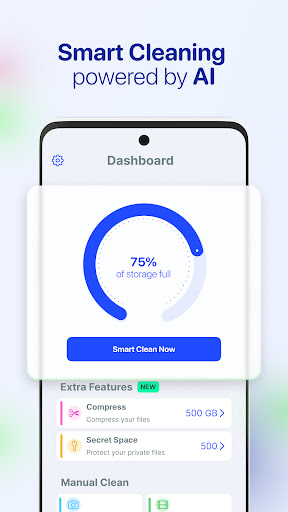
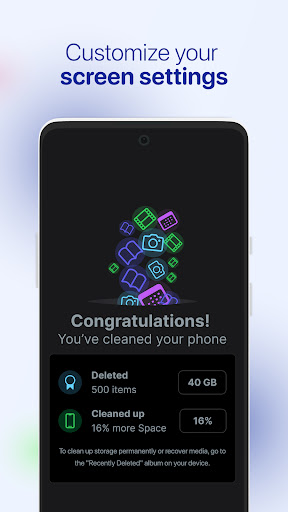
Smart Junk Cleaner: Identifies cache, temporary files, and app residues to free up storage and speed up the device. Runs quick scans and suggests safe removals automatically. 🧹
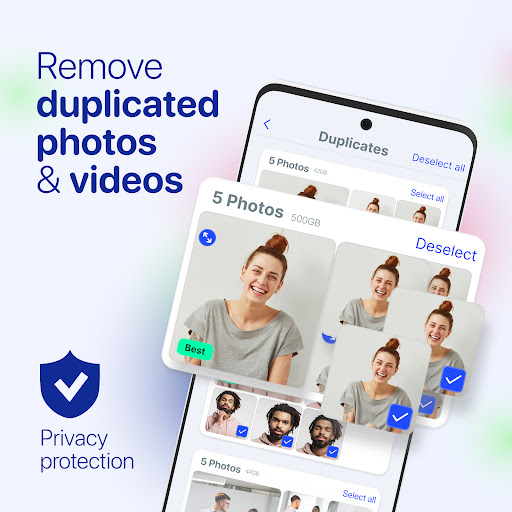
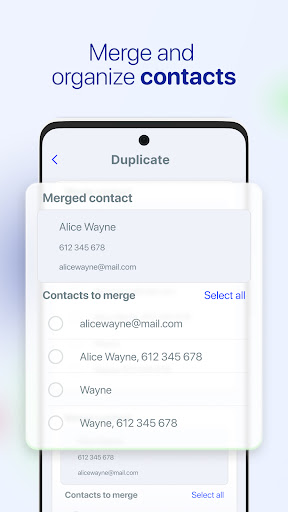
Duplicate Photo Finder: Detects similar and exact duplicate images to reclaim gallery space quickly. Review results before deletion and restore from a recycle bin if needed. 📸
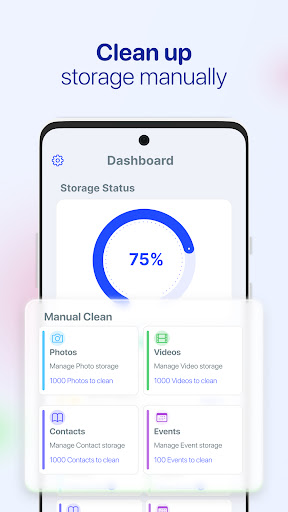
Large File Manager: Finds big videos and downloads that hog storage and offers one-tap cleanup options. Sorts by size and date for fast decision-making. 📁
Battery & Performance Booster: Optimizes background apps and reduces CPU drain to extend battery life and improve responsiveness. Includes sleep mode scheduling for power savings. ⚡
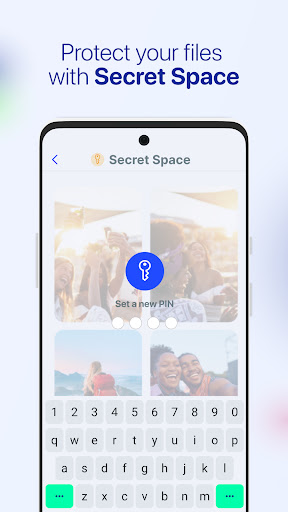
Privacy Scanner & App Lock: Scans apps for risky permissions and helps lock sensitive apps with a passcode or biometric option. Reports potential privacy leaks and offers on-device options for safer handling. 🔒
👍🏼 Pros
Performance Boosts: Noticeable speed improvements after cleanup, with quicker app launches and smoother navigation. Instant gains make it worth trying right away. 🚀
Easy Interface: Clean, modern UI makes scans and cleanups straightforward for all skill levels. One-tap actions keep maintenance fast and intuitive. 👍
Deep Cleaning Options: Advanced scans target hidden caches, thumbnails, and obsolete APK files for deeper storage recovery. Options ensure power users can fine-tune what gets removed. 🧠
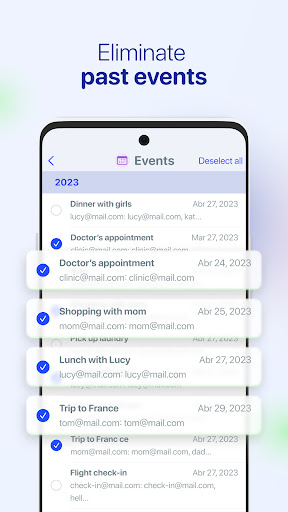
Scheduling & Automation: Automated schedules can run daily or weekly to keep storage under control without manual effort. Notifications prompt review before major deletions. ⏰
On-Device Privacy Controls: Local scanning minimizes cloud uploads for many protection features, limiting exposure of personal files. App lock and permission reports add extra security layers. ✅
👎🏼 Cons
Subscription Model: Core features are available in a free tier, but full functionality requires a paid subscription. Long-term costs can add up for continuous premium access. 💸
Permission Requests: Requires multiple permissions like storage and accessibility to perform deep cleanups and optimization. Some users may be cautious granting broad access. 🔓
Ads in Free Version: The ad-supported free tier includes pop-ups and banner ads that interrupt workflows. Removing ads requires upgrading to premium. 📢
Risk of Over-Deletion: Aggressive cleanups may flag cache or files that some users prefer to keep, so review suggestions carefully. Recovery options exist but relying on automatic deletes can be risky. ⚠️
Limited Advanced Features: Power users may find some niche tools like deep system tuning or full antivirus missing from the basic package. Third-party integrations are also limited. 🧩
💰 Prices
The app offers a free version with basic cleaning features and ads, plus in-app purchases to unlock premium tools. Premium subscription options typically include a monthly plan around $4.99 and an annual plan around $29.99, with a limited free trial for new users. A one-time lifetime unlock may be offered at a higher one-off price for users preferring a single payment. Check the app store listing for exact pricing and regional offers before purchase.
Similar Apps