Notepad - simple notes
Screenshots

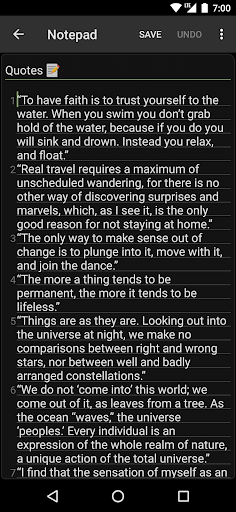
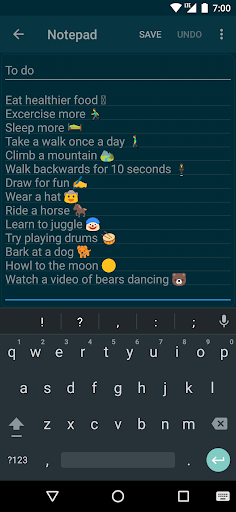
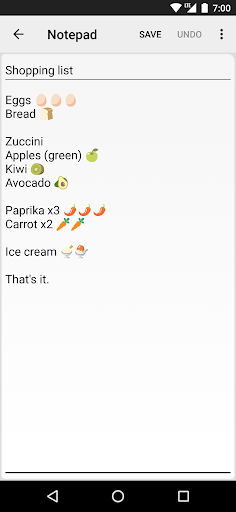
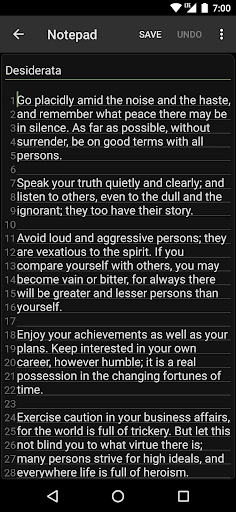
What is Notepad - simple notes
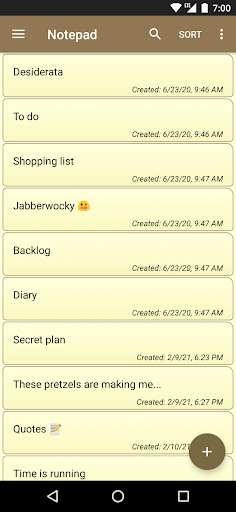
Notepad - simple notes delivers a fast, no-frills note-taking experience built for quick capture, lists, and simple organization. Download now to speed up daily workflows and keep ideas at hand with zero distraction.
📌 Core Features
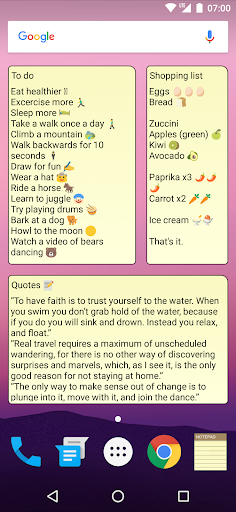
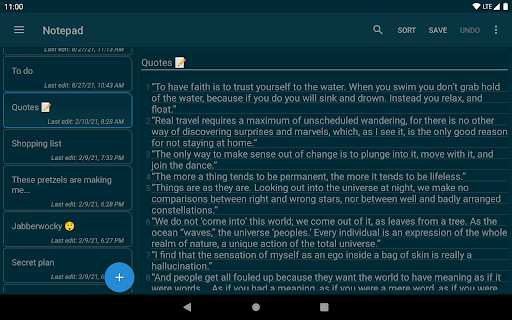
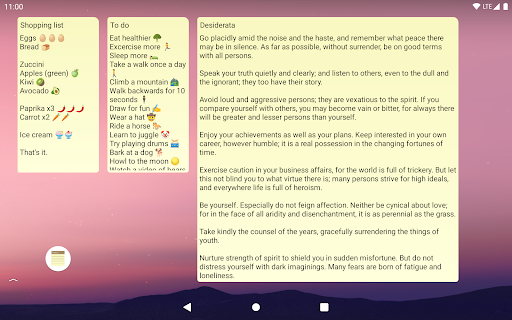
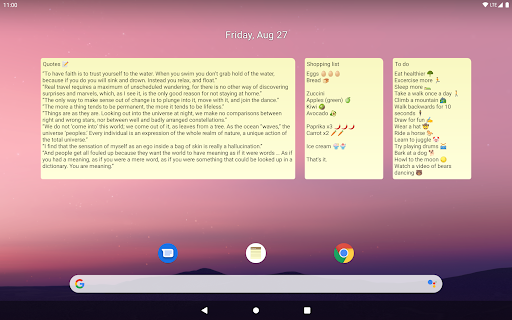
Quick Capture: Instant text entry and a fast-launch widget make jotting ideas immediate. Notes save locally by default for reliable access. ⚡
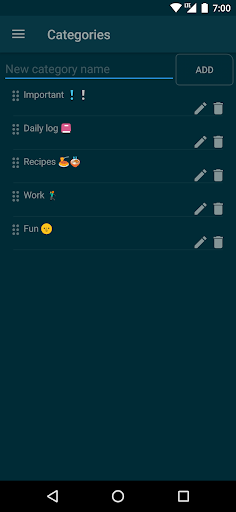
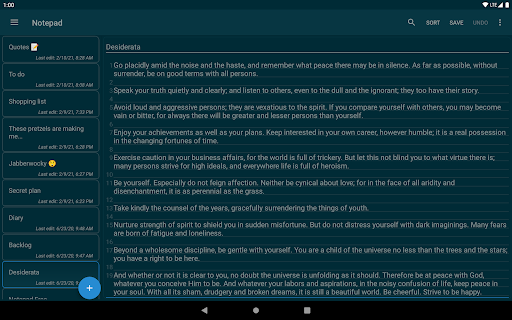
Folder Organization: Create folders and simple tags to group notes by project or topic. Navigation stays clean for quick retrieval. 🗂️
Optional Encryption: Offers an optional passcode or encryption toggle for sensitive notes behind a pay option. Security settings are straightforward to enable. 🔒
Cloud Sync: Optional cloud sync keeps notes across devices when an account is enabled. Sync is designed to be lightweight and fast. ☁️
Powerful Search: Full-text search and quick filters locate notes in seconds. Search handles keywords and partial matches for speed. 🔍
👍🏼 Pros
Lightweight Performance: Minimal memory footprint and swift startup make this ideal for daily use. Good for older devices and quick captures. ✅
Offline-First Design: Notes are available offline by default, so content is always accessible. No constant network required to view or edit. 🚀
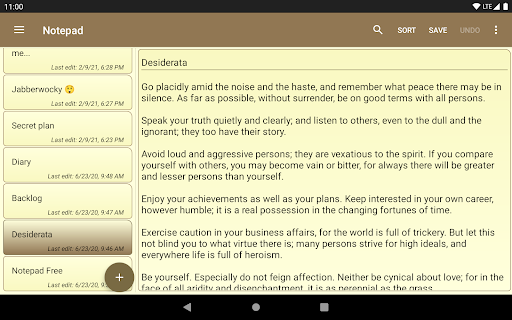
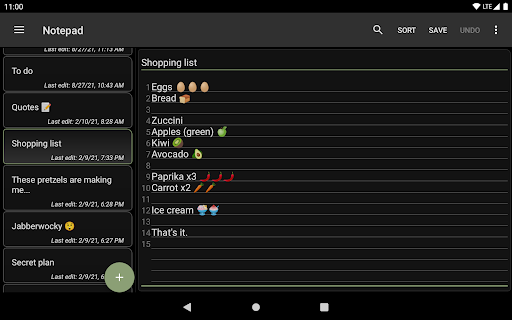
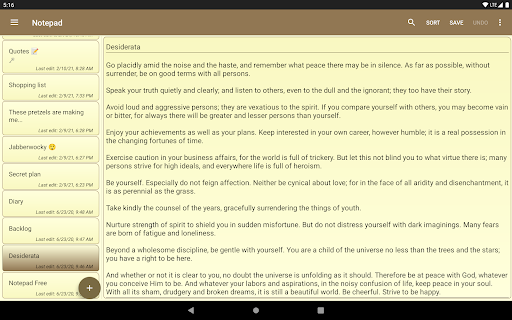
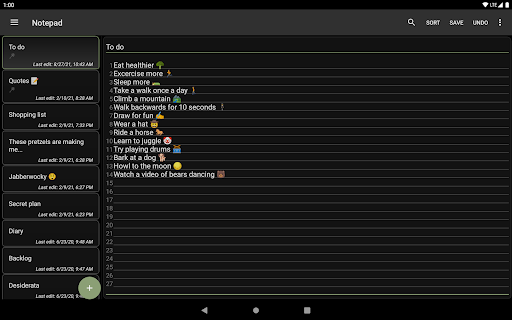
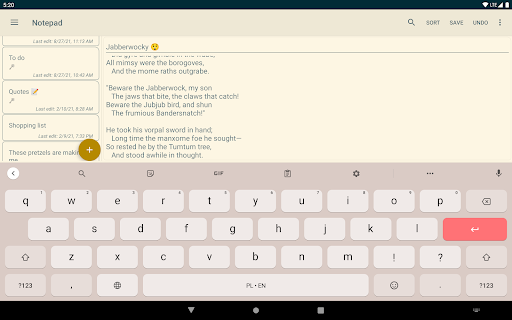
Simple, Focused UI: Clean interface removes clutter and focuses on writing and organization. Low learning curve for all users. 📴
Affordable Upgrades: Paid features are priced competitively and focused on practical enhancements. Upgrades remove ads and add sync or encryption. 🎯
Export Options: Notes can be exported as plain text or shared to other apps for flexibility. Export supports backups and transfers. 💾
👎🏼 Cons
Limited Rich Formatting: No advanced text styling or embedded media compared with full-featured editors. Formatting stays basic for plain notes. 🧾
Advanced Features Behind Paywall: Cloud sync and encryption are commonly tied to subscriptions or one-time purchases. Some functionality may require payment. ✂️
Basic Collaboration: No real-time collaboration or shared notebooks for team workflows. Designed primarily for single-user use. 🔐
Platform Parity: Feature set can differ between mobile and desktop versions, causing inconsistent behavior. Cross-platform parity may be limited. 🔁
Ads in Free Tier: Free version includes ads that can interrupt focus until upgraded. Ad removal requires purchase. 📵
💰 Prices
Free tier available with local storage and ads, plus basic features at no cost. Premium subscription typically around $2.99 per month or $19.99 per year, with a one-time pro unlock option near $9.99 for ad removal and extra features.