
Big Keyboard: Easy Homescreen
Screenshots
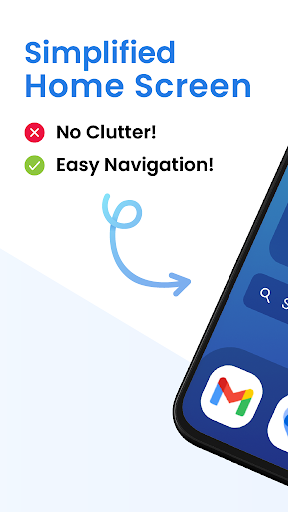
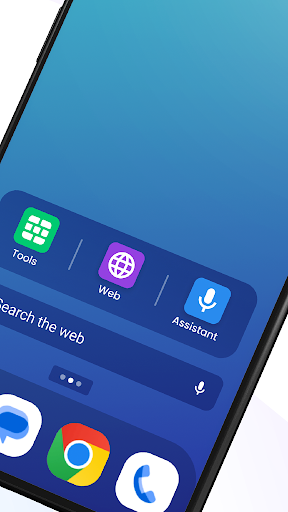
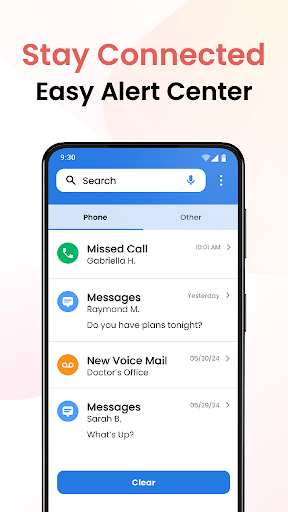
What is Big Keyboard: Easy Homescreen
Big Keyboard: Easy Homescreen transforms typing with large, clear keys and a homescreen widget for instant access. Grab it now to speed up typing, reduce errors, and simplify daily phone use with a bold, accessibility-focused design.📌 Core Features
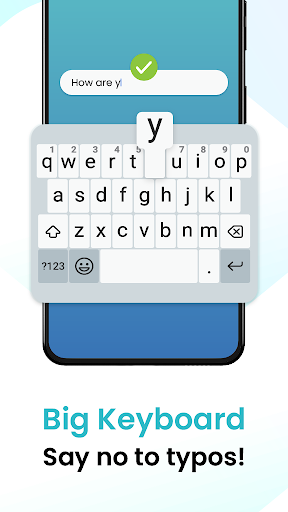
Large keys: Extra-large, high-contrast keys make typing faster and reduce typos for thumbs and fingers of all sizes. Designed for bold visibility and speed. 🔠
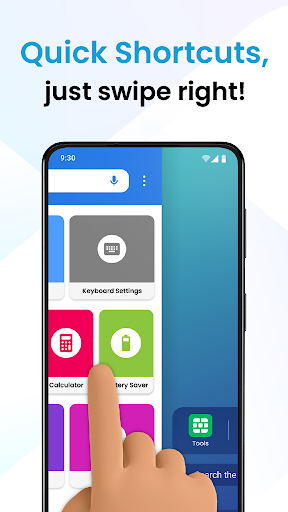
Homescreen widget: A tappable keyboard widget places input access directly on the homescreen for one-touch typing without opening the full keyboard. Ideal for quick replies and shortcuts. 🏠
One-hand mode: Compress and shift the keyboard layout toward either side to enable comfortable one-handed typing on larger phones. Adjustable positioning keeps reachability simple. 🤏
Privacy-first input: Local processing handles keystrokes and personal dictionary data on-device by default to limit data exposure. Optional cloud sync is available for backups with explicit consent. 🔒
Customization & themes: Multiple size presets, color themes, and font adjustments allow tailoring the keyboard to visual needs and style. Save presets for different profiles or apps. 🎨
👍🏼 Pros
Faster typing: Bigger keys and simple spacing cut down on mistypes and improve average words-per-minute on mobile. Performance gains are noticeable for long-form entry. ⚡
Accessibility boost: Built with visual clarity and adjustable sizes to serve users with low vision or motor challenges. Includes one-hand and high-contrast options. ♿
Strong privacy stance: On-device processing keeps keystrokes and custom dictionaries local unless cloud backup is enabled. Clear permission prompts reduce unexpected data sharing. 🛡️
Wide app compatibility: Works as a widget and standard input across messaging, email, and social apps without extensive configuration. Integration is seamless for most use cases. 🔄
Quick setup: Widget installation and size tuning are straightforward with guided prompts for first-time configuration. Ready-to-use presets speed deployment. ✅
👎🏼 Cons
Limited language support: Core layouts focus on English and a few major languages, so niche or less-common scripts may be missing. Extra language packs are planned but not universal yet. 🈚
Ads in free version: The free tier includes intermittent banner or interstitial ads that can disrupt the experience during setup or customization. Ads can be removed with a paid upgrade. 📢
Premium features locked: Advanced shortcuts, cloud sync, and premium themes require a subscription or one-time purchase to unlock. Heavy customization may feel gated behind paywalls. 🔐
Widget size on compact phones: Large-key widgets can consume significant screen real estate on small devices, limiting visibility of other homescreen items. Users must balance size vs. screen space. 📱
Occasional responsiveness issues: Some older or heavily modified Android skins may show slight input lag or delayed widget activation. Updates address most compatibility fixes over time. 🐢
💰 Prices
Free tier includes core large-key functionality with ads and basic customization, making it easy to test the experience. Premium unlocks advanced themes, cloud sync, and ad removal via a monthly subscription or one-time pro purchase. Trial options are often available so users can evaluate premium features before committing.
Similar Apps