

HP Print Service Plugin
Screenshots

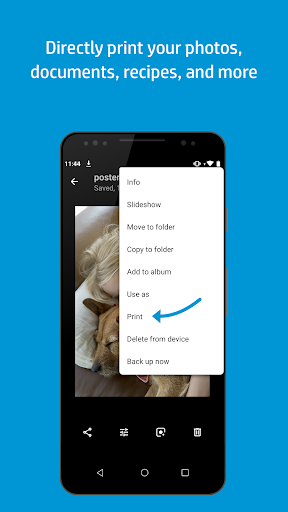
What is HP Print Service Plugin
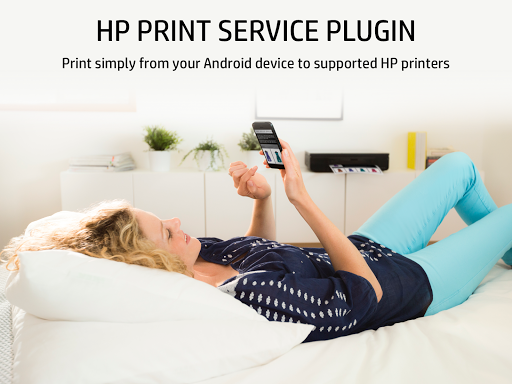
HP Print Service Plugin delivers fast, reliable mobile printing to compatible HP printers across home and office networks. Download now to enable direct printing from Android apps with minimal setup and immediate results.
📌 Core Features
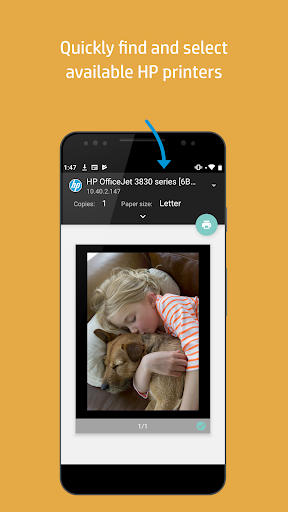
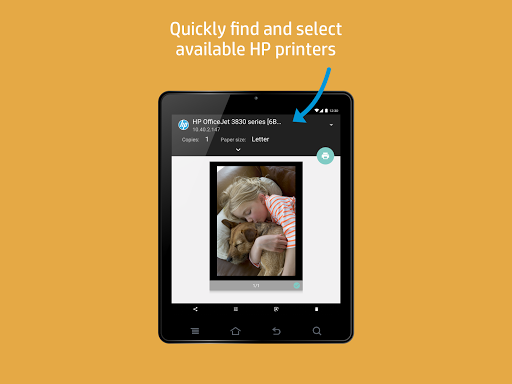
Automatic printer discovery: Detects HP printers on the same network instantly for hassle-free setup. Connection setup is streamlined to get prints going fast. 🖨️
Wireless and Bluetooth printing: Supports Wi-Fi and Bluetooth connections to send jobs directly from Android devices. Print reliably without cables or extra drivers. 📶
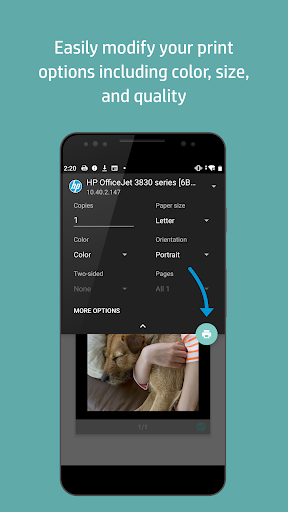
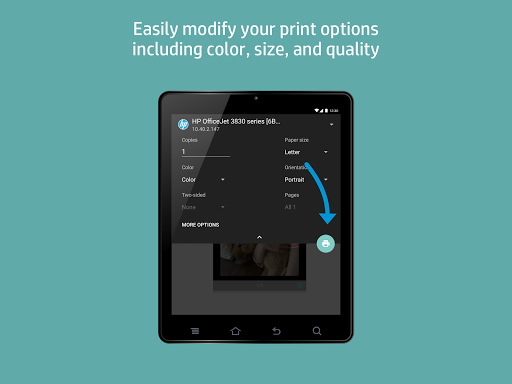
Print preview and settings: Offers built-in preview and options like page range, copies, color, and duplex where supported. Controls are intuitive for quick adjustments before printing. 🖼️
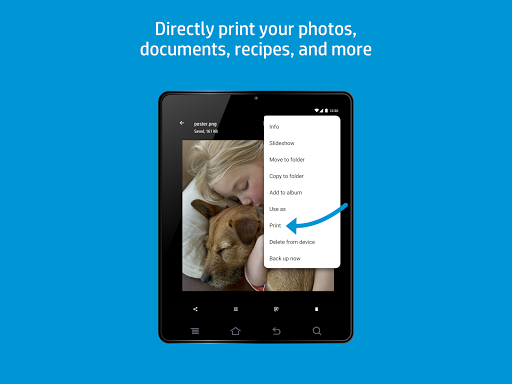
File type support: Handles photos, PDFs, web pages, and common office documents for flexible printing. Compatibility covers most daily mobile printing needs. ⚙️
Secure local printing: Uses local network printing with permission-based access and minimal data transfer to printers. Keeps print jobs on the local network when possible. 🔒
👍🏼 Pros
Easy setup: Minimal configuration required to start printing from Android devices in minutes. Great for non-technical users and quick deployments. ✅
Native Android integration: Works with the Android print framework for seamless operation from most apps. No separate printing app is typically required. ⚡
Free to use: No download cost or subscription for consumer-level printing. Ideal for home and small office printing needs. 🤝
Broad file support: Prints images, PDFs, and documents from many apps without conversion. Saves time when handling mixed content types. 📱
Low resource impact: Runs as a lightweight plugin without heavy battery drain or background resource use. Keeps device performance stable during prints. 🌐
👎🏼 Cons
HP-only support: Limited to HP-branded printers, so non-HP printers are not supported. Users with other brands will need alternative solutions. 🚫
Occasional compatibility issues: Some older or very new printer firmware versions may have intermittent problems. Firmware updates may be required to restore full functionality. ⚠️
Limited advanced options: Lacks enterprise-level features like advanced job routing and detailed print job analytics. Power users may need dedicated print management software. 📉
Permission requirements: Requires location and storage permissions for network discovery and file access, which may concern privacy-conscious users. Review permissions before enabling. 🔎
Network dependent: Printing often requires a stable local network or Bluetooth connection; printing is not reliable without it. Offline or remote printing features are limited. 📡
💰 Prices
Free to download and use for consumer printing via Google Play in the US. No in-app purchases or subscriptions for basic features, keeping costs predictable. Managed enterprise services and advanced print solutions from HP may incur fees for businesses.