
Minecraft Education
Screenshots
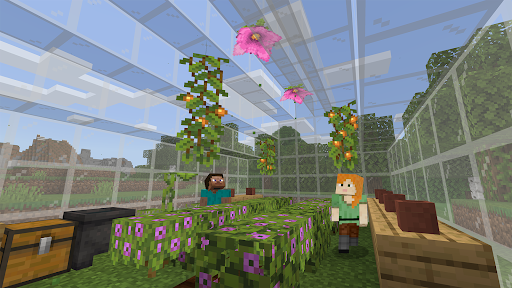
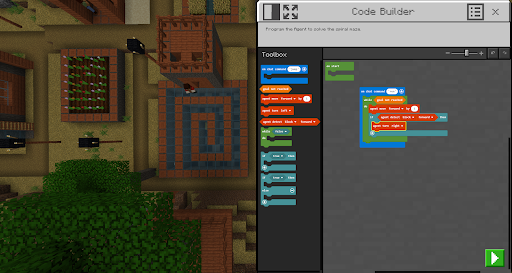
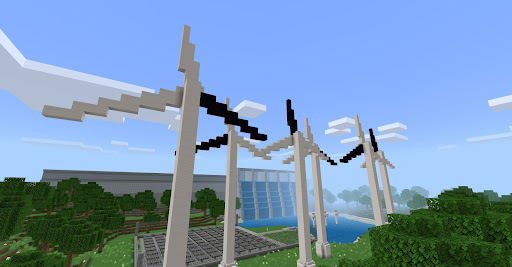
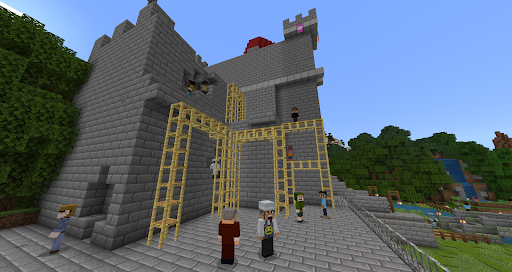
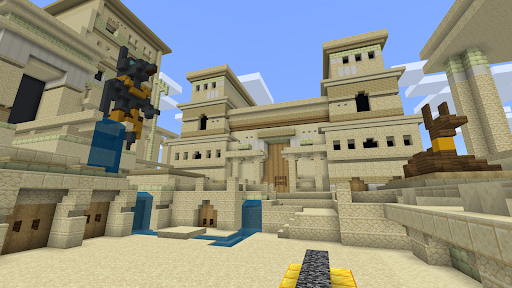
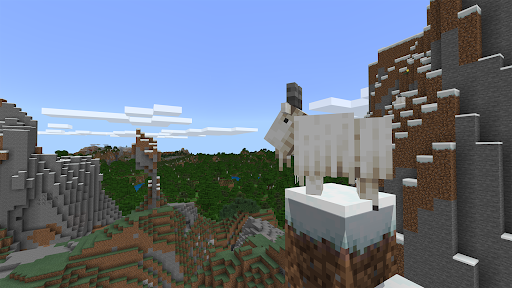
What is Minecraft Education
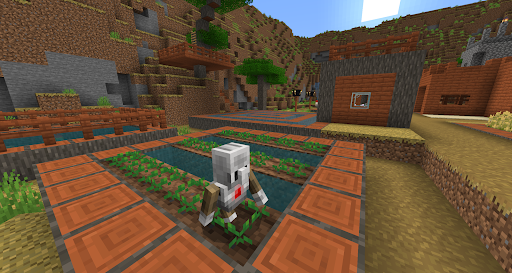
Launch classroom creativity with Minecraft Education, a lesson-ready version of Minecraft built for K-12 learning across the United States. Engage students with hands-on projects, coding challenges, and collaborative worlds that turn standards into playable adventures.
📌 Core Features
Block-based Learning: Familiar Minecraft mechanics are repurposed for lessons and experimentation to make abstract concepts tangible. Creative and classroom modes deliver controlled environments for focused learning. 🧱
Standards-aligned Lesson Library: Ready-made, standards-mapped lessons cover STEM, history, and literacy to reduce prep time. Lessons are editable so teachers can tailor activities to local curriculum goals. 👩🏫
Collaborative Multiplayer: Real-time multiplayer supports teamwork and project-based learning across devices. Role-based permissions and classroom join codes keep sessions organized and safe. 🤝
Code Builder and STEM Tools: Integrated Code Builder supports block and text coding with MakeCode and other editors for progressive coding lessons. Chemistry, NPCs, and agents enable interactive STEM simulations. 💻
Microsoft Integration and Management: Seamless sign-on with Microsoft 365 Education simplifies account management and file sharing via OneDrive. Admin controls and group policies enable district-level deployment and updates. 🌐
👍🏼 Pros
Highly Engaging: Gameplay-driven lessons boost student motivation and creativity in tight classroom windows. Interactive challenges turn passive topics into hands-on experiences. 🚀
Curriculum-Friendly: Standards-aligned content and assessment-friendly activities streamline lesson planning and reporting. Ready lessons reduce prep time for busy teachers. 📚
Strong Teacher Tools: Built-in classroom mode, NPCs, and camera tools empower real-time instruction and student monitoring. Teacher controls let instructors guide pacing and access. 🛠️
Secure School Management: Requires school-managed Microsoft accounts and supports single sign-on to protect student data. Admin settings and permissions help maintain a controlled environment. 🔒
Cross-platform Access: Available on Windows, Mac, iPad, and Chromebooks to fit diverse device fleets in U.S. schools. Cloud sync keeps student progress consistent across devices. 📱
👎🏼 Cons
Account Requirements: Full functionality requires Microsoft 365 Education accounts and district provisioning, which can delay classroom rollout. Guest access is limited compared with consumer Minecraft. 🔑
License Costs for Some Schools: Districts without qualifying Microsoft plans may face per-user licensing fees or volume purchase negotiations. Budget cycles can slow adoption for underfunded schools. 💸
Teacher Learning Curve: Effective use demands teacher training for classroom management and lesson customization. Initial setup and pedagogical integration require time and planning. 🧭
Device and Network Demands: Real-time multiplayer and world saves can strain older hardware and limited school networks. Offline mode is limited compared with the online experience. 📵
Data and Privacy Considerations: Student data flows through Microsoft services and is subject to district privacy policies and compliance reviews. Administrators should validate FERPA and local data agreements before deployment. 🧾
💰 Prices
Free 30-day trials are available for educators to test features before district adoption. Minecraft Education is included with select Microsoft 365 Education subscriptions and otherwise offered via per-user licensing through Microsoft or authorized resellers - education pricing often starts around $5 per student per year. Check Microsoft licensing options and start a trial to confirm district pricing and deployment details.