
Music Downloader Mp3 Download
Screenshots
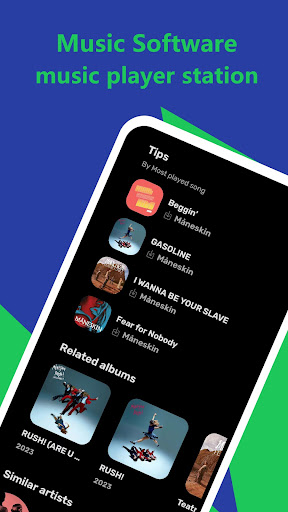
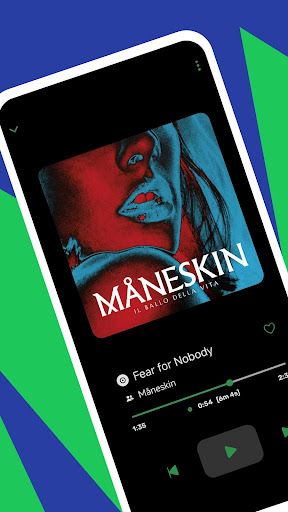
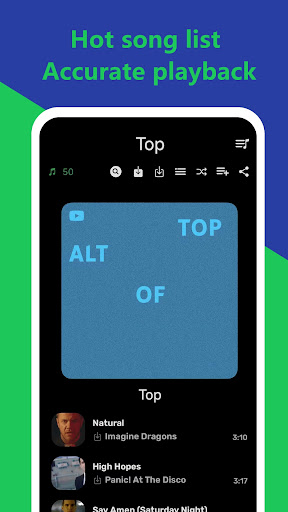
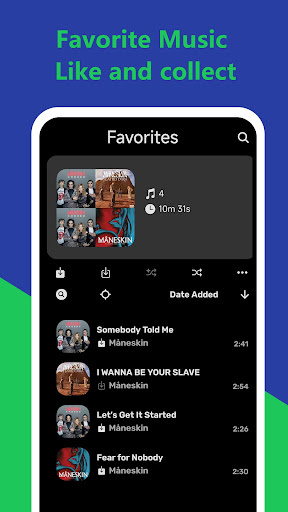
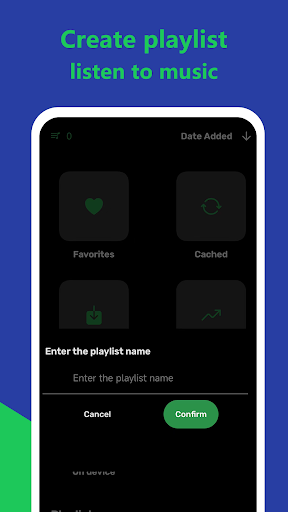
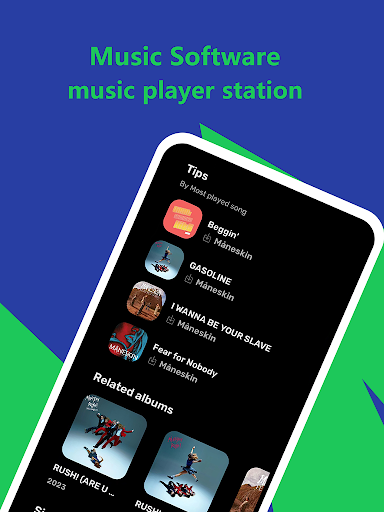

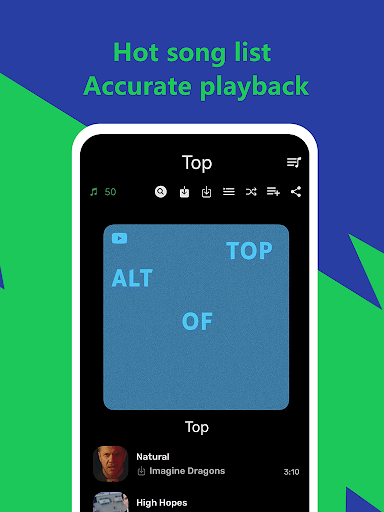
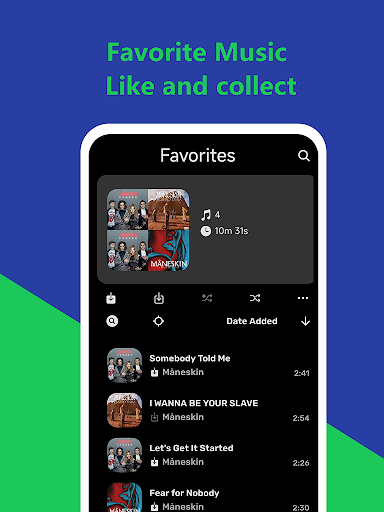
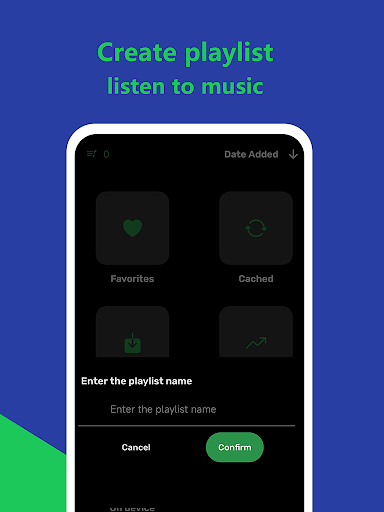
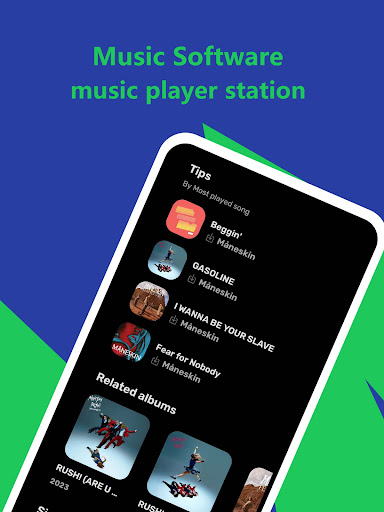

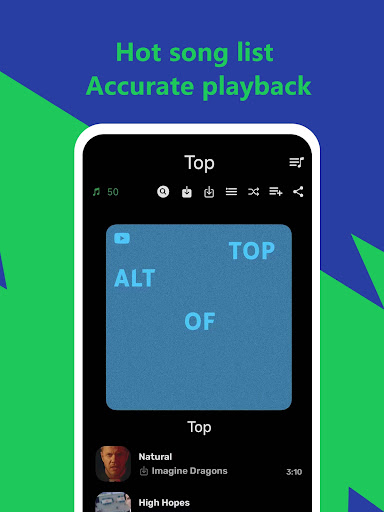
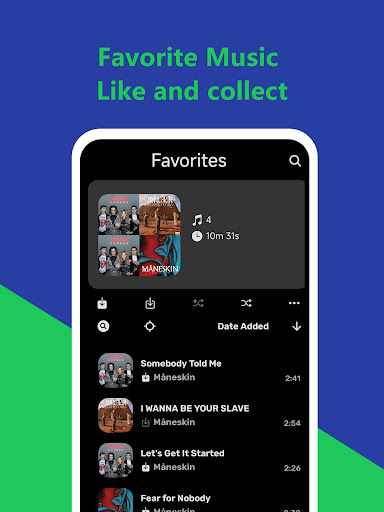
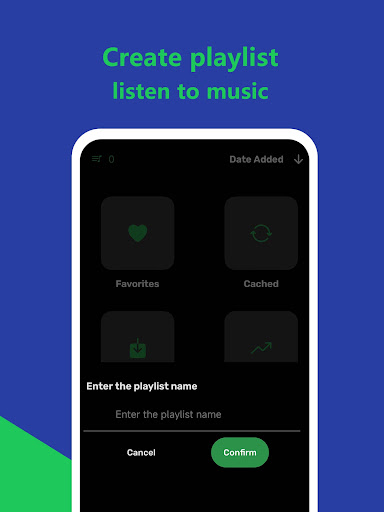
What is Music Downloader Mp3 Download
Music Downloader Mp3 Download delivers fast MP3 grabs and offline playback with a sharp, no-nonsense interface. US listeners can quickly search, download, and play tracks for on-the-go listening; download now to build a personal music library.
📌 Core Features
Fast MP3 Downloads: High-speed downloads pull tracks directly to device storage for instant offline access. Download queue and resume support keep downloads moving even on spotty connections. 🔥
Built-in Media Player: Integrated player supports gapless playback, playlists, and basic equalizer controls for quick listening without switching apps. Covers common formats and handles large libraries smoothly. ▶️
Batch Download and Queue: Select multiple tracks or entire playlists and download them in a single operation. Queue management includes pause, resume, and reorder options to prioritize favorites. 📥
Format Conversion and Tagging: On-device conversion to MP3 and bitrate selection lets control file size and quality. ID3 tag editor auto-fills metadata and album art for organized libraries. 🔄
Advanced Search and Filters: Robust search with filters for artist, album, duration, and bitrate speeds finding exact tracks. Search suggestions and recent queries help locate hits fast. 🔎
👍🏼 Pros
Quick Setup and UI: Minimal learning curve and a clean interface get users downloading in seconds. Large buttons and clear labels suit on-the-go usage. ✅
Offline Playback: Saved MP3s play without network access for flights, commutes, and areas with poor reception. Playlist support keeps listening seamless. 🎧
Free Tier Available: Core features are available free with ads, enabling immediate access without payment. A clear upgrade path to remove ads is offered in-app. 💸
Flexible Quality Options: Bitrate choices range from compact to high-fidelity to match storage and listening preferences. Batch conversion helps save space while keeping favorites in top quality. 🎚️
Local File Management: Files save to device storage with options to rename, move, or share downloaded tracks. Compatibility with media players and file browsers ensures easy integration. 📁
👎🏼 Cons
Ads in Free Version: Banner and interstitial ads can interrupt browsing and downloads in the free tier. Frequent ad placement may frustrate heavy users. 📢
Copyright and Legality Risks: Downloading copyrighted material without permission can breach terms and local law; user responsibility applies. The app does not guarantee legal clearance for all content sources. ⚖️
Variable Source Quality: Downloaded track quality depends on source files and may include low-bitrate or mislabeled tracks. No global guarantee exists for track authenticity or completeness. 🎵
Permission Requirements: The app requests storage and network permissions that some users may find intrusive. Permissions are needed for downloads, playback, and file management. 🔒
No Cloud Sync: No built-in cloud backup or cross-device sync; downloads stay on the device unless manually transferred. Users relying on multi-device libraries need third-party solutions. ☁️
💰 Prices
Free tier with ads allows immediate use; in-app purchases remove ads and unlock batch and higher-quality downloads. Premium subscription is $3.99/month or $29.99/year, while a one-time Pro unlock costs $9.99.
Similar Apps