Schoology
Screenshots
What is Schoology
Schoology streamlines classroom management, assignments, and communication with a modern LMS built for K-12 and higher education. Jump in now to boost engagement, simplify grading, and connect classrooms across devices.
📌 Core Features
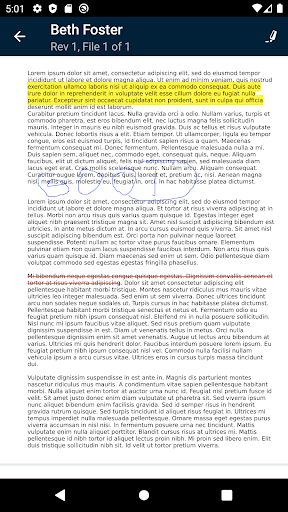
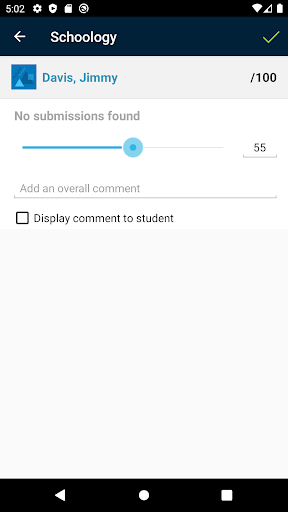
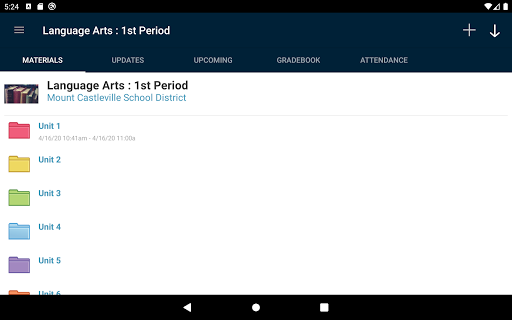
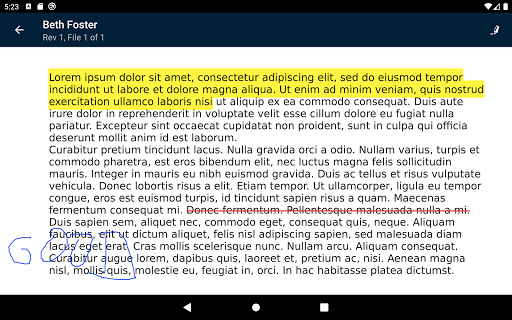
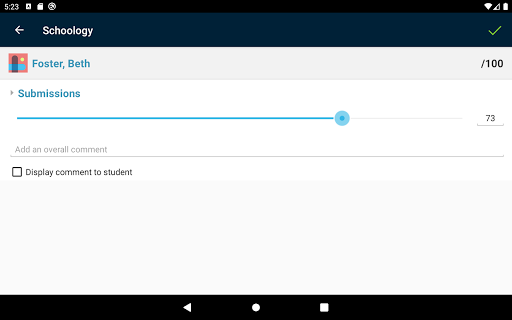
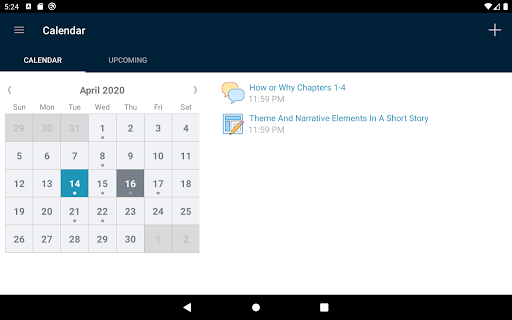
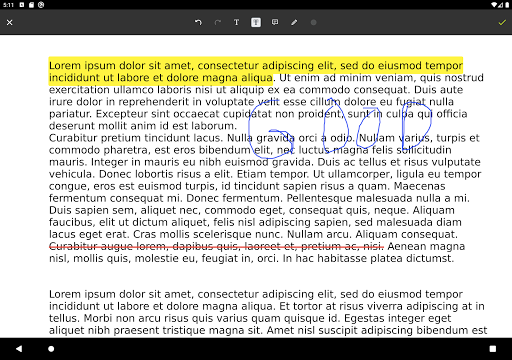
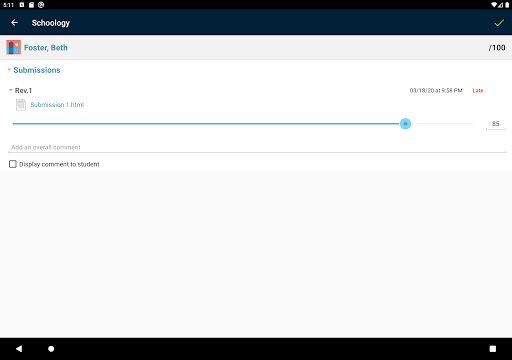
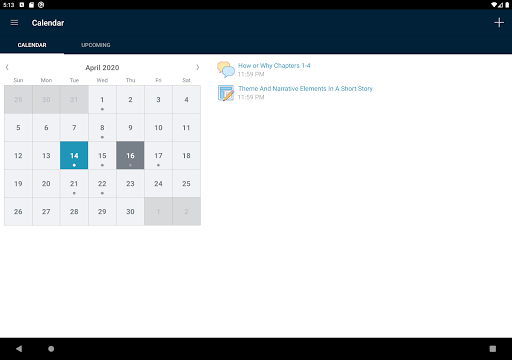
Robust Assignment Management: Create, distribute, and grade assignments with flexible submission types and rubrics to keep learning on track. Automated deadlines and batch grading save time and support consistent evaluation across classes. 📝
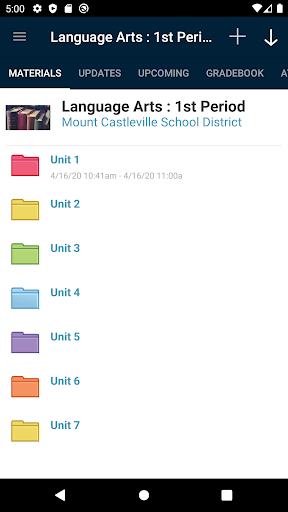
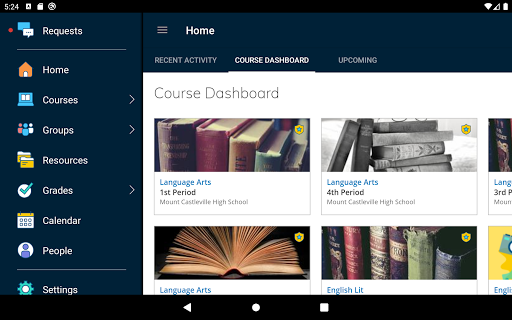
Centralized Content Library: Store, organize, and share lessons, resources, and multimedia in a searchable course library for quick access. Version control and sharing permissions make reuse across classes simple. 📚
Real-Time Notifications & Messaging: Push notifications, in-app messaging, and announcement tools keep students and parents informed about deadlines and updates. Threaded conversations support quick clarifications and feedback loops. 🔔
SIS and Third-Party Integrations: Native PowerSchool integration and support for Google Drive, Microsoft, and assessment tools streamline rostering and resource sharing. API access enables custom connections to district systems. 🔗
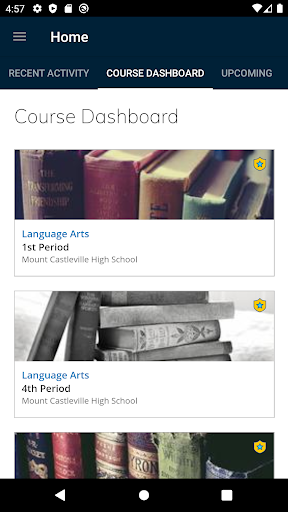
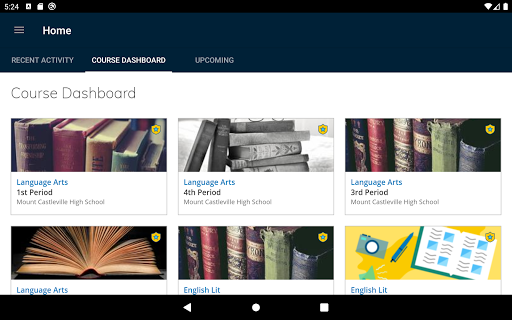
Analytics and Gradebook: Built-in analytics and a standards-based gradebook reveal student progress and identify gaps with visual dashboards. Exportable reports and standards mapping support data-driven instruction. 📊
👍🏼 Pros
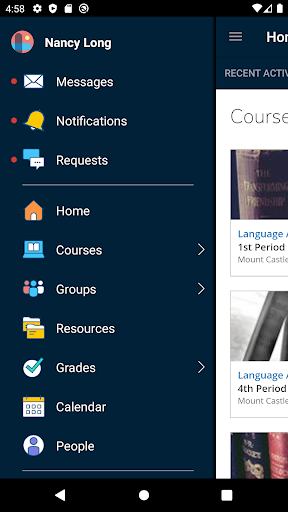
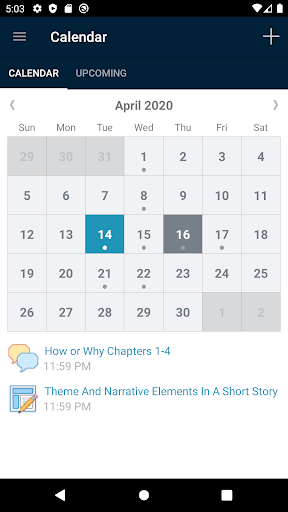
Accessible Mobile Experience: The iOS and Android apps mirror core classroom features for learning on the go and support push alerts. Offline syncing on limited features helps access work when connectivity is spotty. 📱
Powerful Collaboration Tools: Discussion boards, groups, and shared resources enable peer collaboration and group projects with clear moderation tools. Integration with video conferencing and cloud docs keeps teamwork seamless. 🤝
Strong Security and Compliance: Role-based permissions, audit logs, and district controls support FERPA and COPPA requirements for K-12 environments. Centralized admin tools help maintain data privacy and access policies. 🔒
Scalable for District Deployments: Designed to support single classrooms up to entire districts with centralized provisioning and reporting. Multitenant management simplifies rollout and support for large user bases. 🏫
Active Development and Support: Frequent updates and customer support channels bring new features and platform stability over time. Training resources and webinars accelerate staff adoption. ⚡️
👎🏼 Cons
Steep Learning Curve for New Users: Feature-rich interfaces can overwhelm teachers and students during initial setup and course design. Comprehensive training is often required for effective use. ⏳
Occasional Performance Issues: Load times and responsiveness can vary during peak usage or large district events. Performance tuning is needed for optimal experience at scale. ⚠️
Limited Offline Capabilities: Full functionality requires an active connection, and offline work is restricted to select features and cached content. This can hinder learning in low-connectivity areas. 📴
Opaque District Pricing Model: Free basic access exists for teachers, but advanced features and district licensing require negotiated contracts with variable fees. Budgets must account for potential per-student or site licensing costs. 💸
Dependence on District IT for Customization: Integrations, SIS setup, and permission configurations often rely on district IT resources and vendor support. Smaller schools may face delays or added costs for custom work. 🛠️
💰 Prices
Schoology offers a free basic tier for individual teachers and students; district and enterprise features are sold via PowerSchool contracts with pricing that varies by district size and feature set. Expect per-student or site licensing, optional integration and implementation fees, and potential add-ons for advanced analytics. Request a demo or quote to get started today.
Similar Apps