

NewProfilePic: Profile Picture
Screenshots



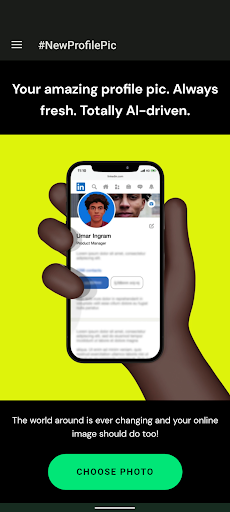
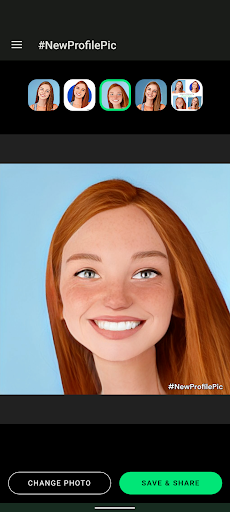
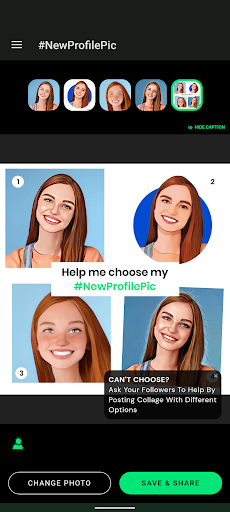
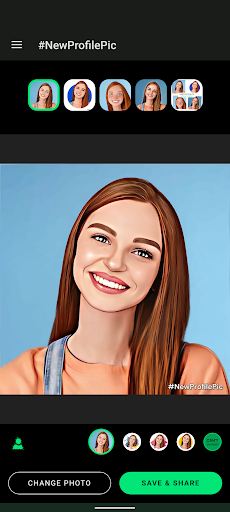
Features of NewProfilePic: Profile Picture
Easy-to-use interface
With NewProfilePic, updating your profile picture has never been easier. The app features a simple and intuitive interface, making it effortless to browse through your gallery, select and crop a photo, and update your profile picture in just a few taps.
Rich editing tools
Take your profile picture to the next level with NewProfilePic's extensive editing tools. Enhance your photo with filters, adjust brightness and contrast, add text or stickers, and even apply artistic effects. Customize your profile picture to perfectly reflect your personality or mood.
Instant sharing options
Once you're satisfied with your newly edited profile picture, NewProfilePic offers instant sharing options to your favorite social media platforms. Share your masterpiece with friends and followers with just a single tap. Show off your creativity and make a lasting impression with a stunning new profile picture.
Similar Apps