
Kahoot! Play & Create Quizzes
Screenshots
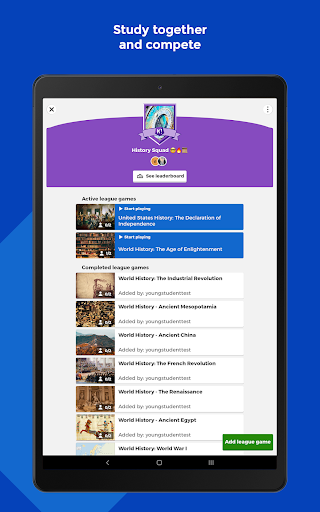
What is Kahoot! Play & Create Quizzes
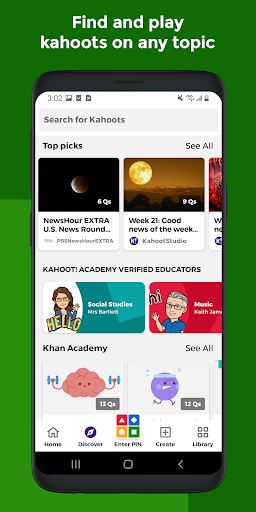
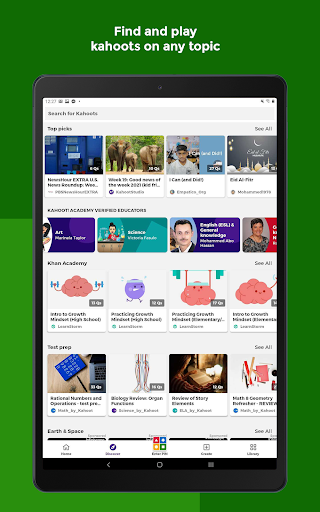
Create, host, and play interactive quizzes with Kahoot! Play & Create Quizzes to boost engagement in classrooms, meetings, and social events. Download now to run live game sessions, assign self-paced challenges, and track learner progress with simple tools and lively visuals.
📌 Core Features
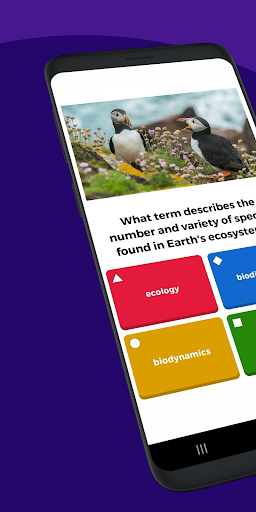
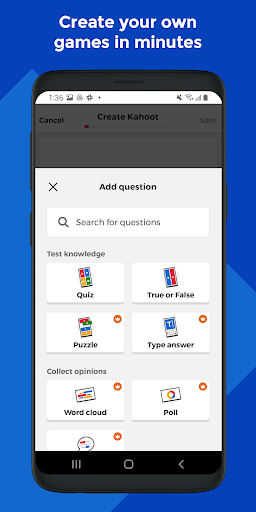
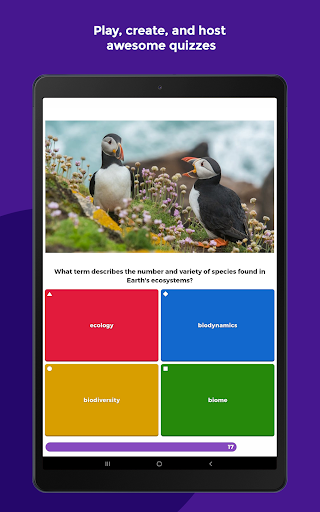
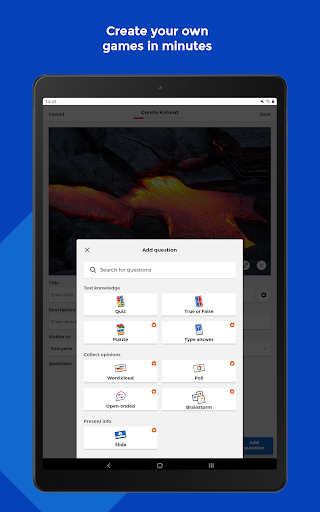
Quiz creation: Build interactive quizzes with multiple-choice questions, timers, and point settings to tailor activities for any audience. Templates and import options speed setup for recurring lessons or events. 🎯
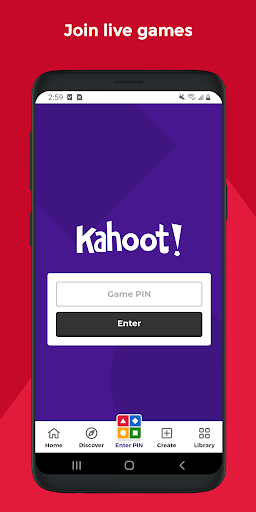
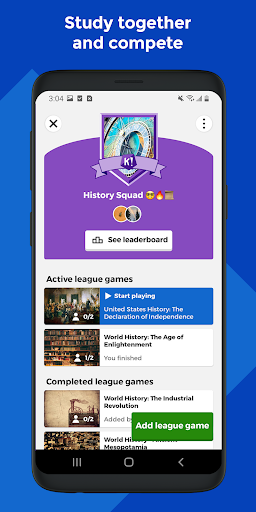
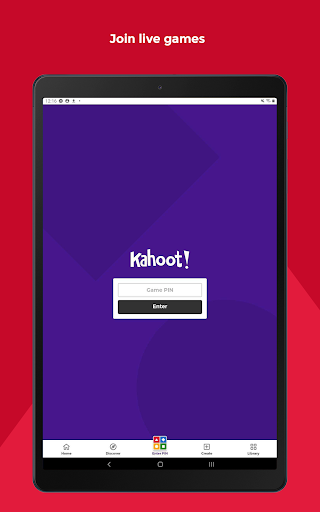
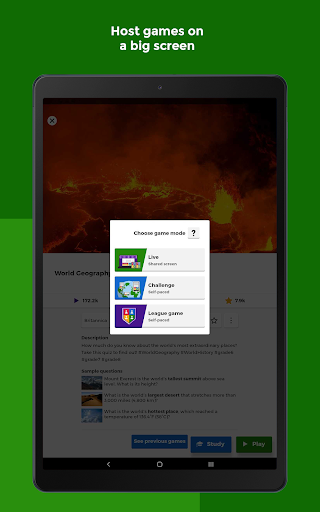
Live gameplay and host controls: Host synchronous games with a lobby, on-screen leaderboards, and manual or auto-advance round controls for live interaction. Participant PINs and moderation features keep sessions orderly and engaging. 🗳️
Question types and media: Support for images, videos, polls, true/false, and puzzle-style questions enables varied assessment formats. Embedded media and formatting options help create visually rich and memorable activities. 🖼️
Reports and analytics: Post-game reports capture scores, question-by-question breakdowns, and class-wide performance metrics for review. Exportable results and progress views help identify knowledge gaps and track improvement over time. 📈
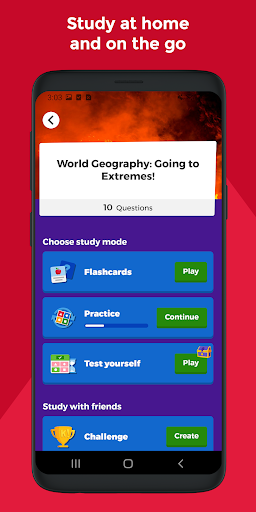
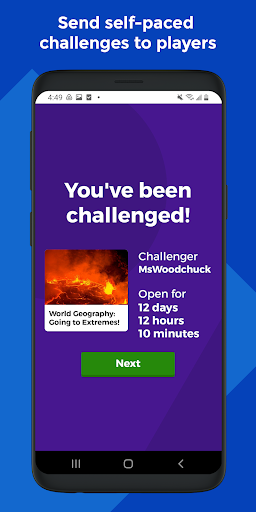
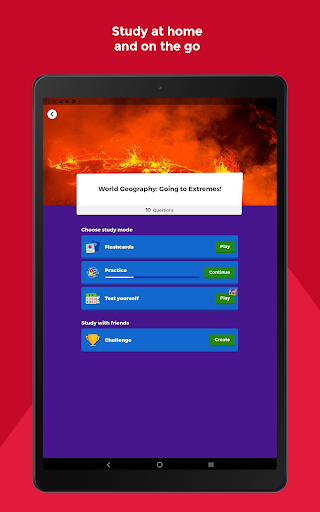
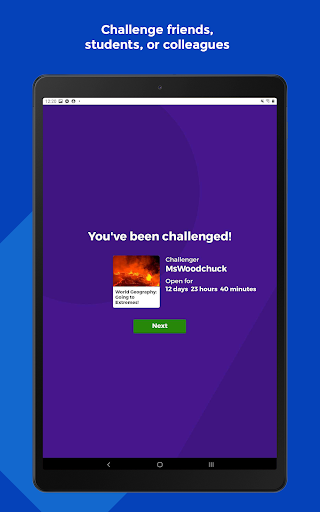
Assignments and self-paced challenges: Distribute kahoots as homework or practice with asynchronous challenges that learners can complete on their own schedule. Deadlines, reminders, and completion tracking simplify blended and remote learning workflows. ⏳
👍🏼 Pros
Highly engaging format: Game-style mechanics, timers, and leaderboards motivate participation and increase retention in short sessions. Bright visuals and sound effects make learning feel playful and competitive. ✅
Easy authoring and templates: Intuitive creation tools and reusable templates reduce prep time for teachers and event hosts. Bulk upload and question duplication speed up quiz assembly for large content sets. ✏️
Classroom-ready tools: Integration with LMS platforms, Google Classroom, and rostering features streamline assignment distribution and grading. Teacher controls support formative assessment and differentiated instruction. 🏫
Real-time feedback and motivation: Instant scoring and per-question feedback help learners and instructors adjust pacing and focus on weak areas. Leaderboards and badges add social incentives that boost engagement. 🔔
Cross-platform access and integrations: Works on web, iOS, and Android with screen-sharing compatibility for video calls and classroom displays. Third-party integrations and SSO options fit into existing school and enterprise ecosystems. 🔗
👎🏼 Cons
Premium features behind paywall: Advanced reports, larger participant limits, branding, and some templates require paid subscriptions for full access. Schools and companies may face recurring costs to unlock enterprise-grade functionality. 💸
Limited question bank depth on free tier: Free accounts have restrictions on advanced question types, media uploads, and storage for large content libraries. Content-heavy courses may need premium plans or external hosting. 🔒
Large-classroom management complexity: Managing hundreds of participants, rosters, and concurrent sessions can become cumbersome without admin tooling. Scaling quizzes for district-wide or company-wide use often needs centralized account management. 🐢
Dependency on internet connectivity: Live kahoots and synchronous gameplay require stable connections and can be disrupted by poor Wi-Fi or mobile data. Offline or limited-bandwidth scenarios reduce interactivity and may force fallback activities. 🌐
Data and account requirements: Student accounts, rostering, and analytics collect usage data that requires attention to privacy policies and consent rules. Districts and organizations should verify compliance with local data-protection regulations. 🔐
💰 Prices
Kahoot! is free to download and offers core quiz creation and play functionality at no cost, suitable for casual use and small classes. Paid plans for educators, teams, and enterprises unlock larger session sizes, advanced analytics, branding, and additional content; pricing varies by tier, number of hosts, and region—check the app store or Kahoot! website for current US rates.