

Collage Maker | Photo Editor
Screenshots





Features of Collage Maker | Photo Editor
Create Stunning Photo Collages
Easily arrange your photos into beautiful collages with Collage Maker. Choose from a variety of layouts, backgrounds, and borders to showcase your memories.
Powerful Photo Editing Tools
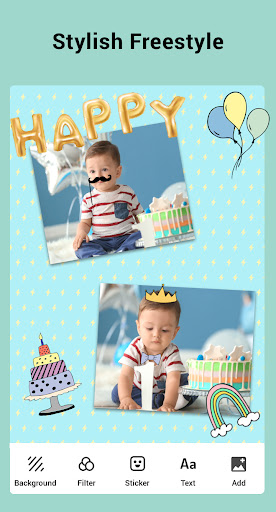
Edit your photos like a pro with the built-in photo editor. Enhance colors, apply filters, adjust brightness and contrast, add text or stickers, and more to transform your photos into works of art.
Photo Grids & Templates
Unlock your creativity with a wide range of pre-designed grids and templates. Simply select the layout you like, add your photos, and let Collage Maker work its magic to create stunning collages effortlessly.
Tips
✂️ Combine up to 100 photos.
Collage Maker has a strong potential to help you collage up to 100+ photos. This means you can show everything you want to show in one photo!
✍️ Edit it to meet your imagination.
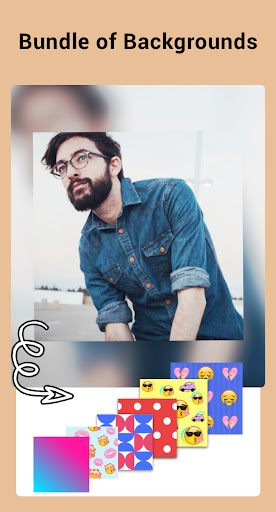
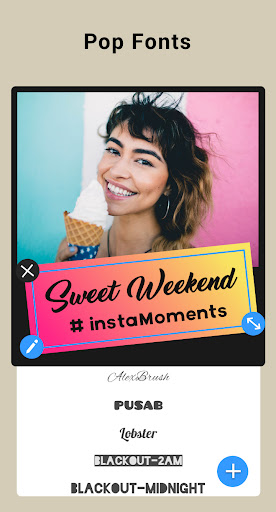
Collage Maker has a huge selection of backgrounds, stickers, fonts, and doodles to choose from. To make the final product look the way you want it to, you can change the scale of the collage and edit the collage borders to your liking.
Pros & Cons
- Powerful photo editor
- Easy-to-use
- Editing can be easily undone
Similar Apps