

Video Player All Format
SPONSORED
Category
Video
Downloads
100,000,000+
Content Rating
Everyone
Security
Safe
Developer
InShot Inc.
Price
Free
Screenshots

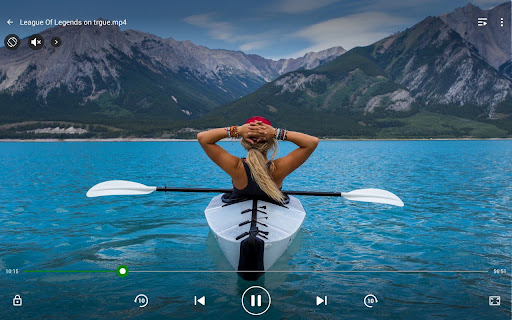
Editorial Note
All app reviews here are 100% independent. We receive no developer compensation or affiliate commissions. Our free site is funded entirely by third-party display ads, explicitly marked as "Sponsored" across the page.
Features of Video Player All Format
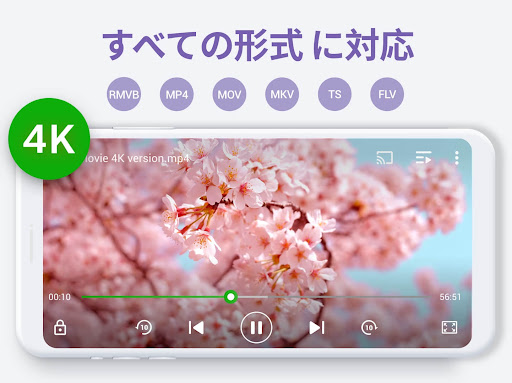
Supports All Format
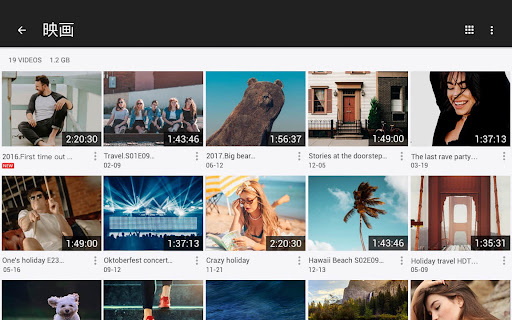
Video Player All Format supports playing videos in various formats and you can freely choose the definition. The highest quality is 4K, so you can enjoy the HD video viewing experience via Video Player All.
Speed Control
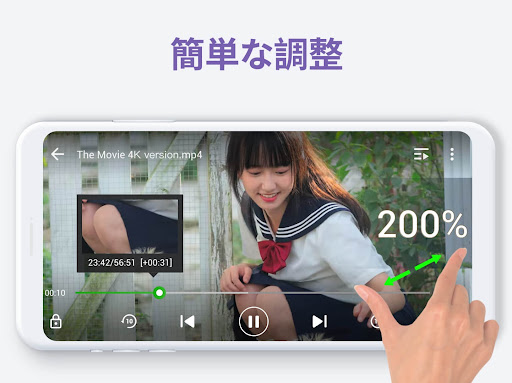
Adjust the speed of the video playback according to your needs. You can adjust the video speed to between 0.5 and 2 times at any time you need!
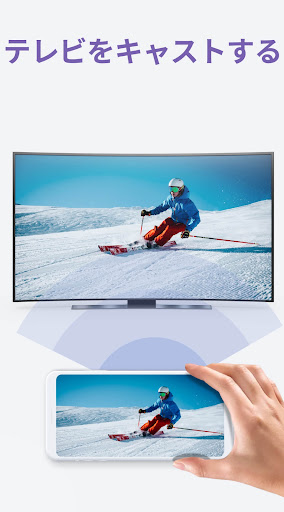
Cast To TV
Use Video Player All Format to easily cast videos to your TV, so that you can enjoy videos on a bigger screen.
Tips
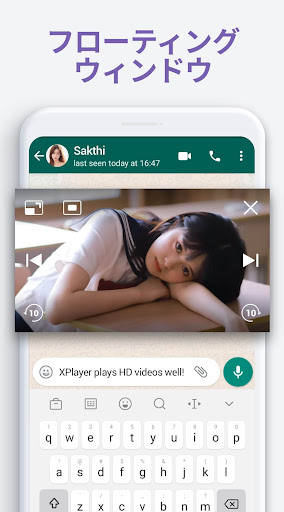
😍 Enjoy videos with the floating video player.
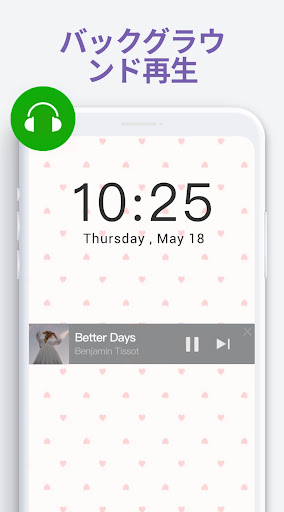
You can split the screen of the video being played while working on other things, without affecting your use of other software.
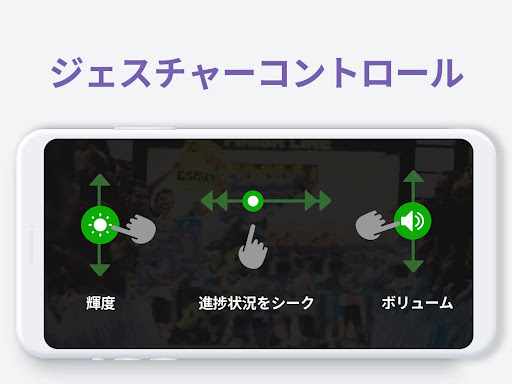
🦐 Adjust volume and brightness at your fingertips.
Easily adjust video volume and brightness levels by sliding the screen. The playback progress can also be adjusted in this way.
Pros & Cons
- User-friendly interface
- HD
App Store
Download on the App Store
SPONSORED
Similar Apps

Google TV
GET

Vimeo Create - Video Editor
GET

Video Maker Music Video Editor
GET

Vieka: Music Video Editor, Effect and Filter
GET

Edits: Video Editor
GET

SnapTik - TT Video Downloader
GET

TV (Samsung) Remote Control
GET

OneCut - Video Editor
GET

Rumble: Stream & Watch Videos
GET

Video Editor & Maker VideoShow
GET