

Desmos Graphing Calculator
Screenshots
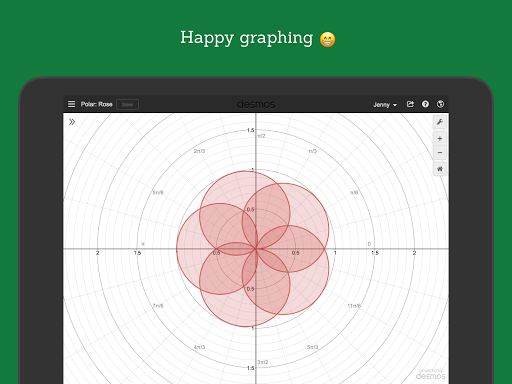
What is Desmos Graphing Calculator
Desmos Graphing Calculator delivers a fast, polished graphing experience that makes math visual and actionable for students and educators across the US. Download now to explore functions, sliders, and interactive activities with immediate results and classroom-ready tools.
📌 Core Features
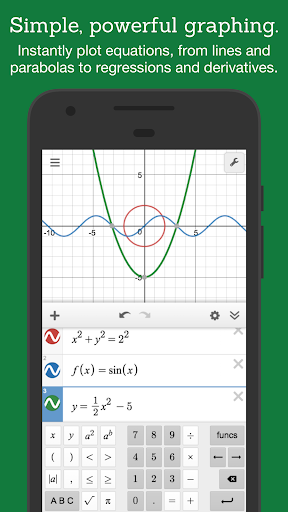
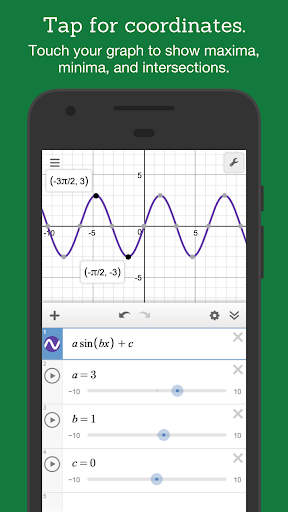
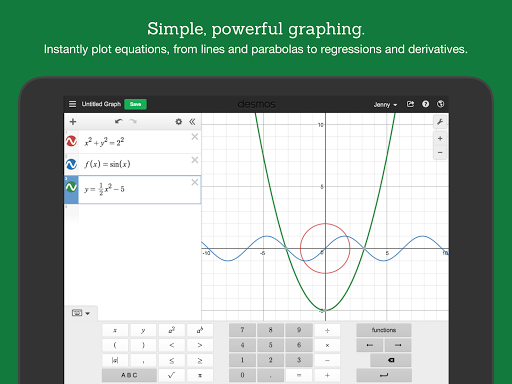
Real-time graphing engine: Plot multiple functions, inequalities, and parametric curves with high precision and instant updates as inputs change. Smooth zoom and pan keep exploration fluid and responsive. 📈
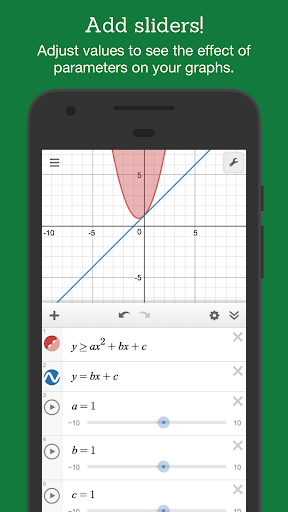
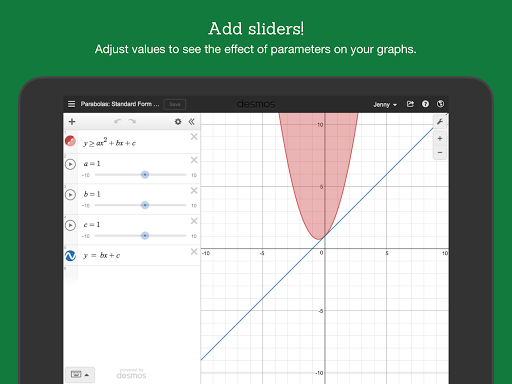
Interactive sliders and parameters: Add sliders to control variables and watch graphs animate in real time for instant intuition on behavior and transformations. Perfect for demonstrations and hands-on learning. 🔧
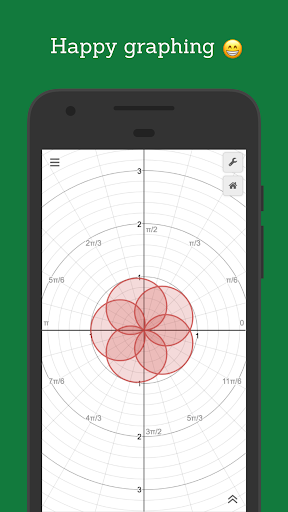
Advanced function support: Handle polar, parametric, piecewise, and implicit plots along with regression and sequence plotting for a wide range of math topics. Built-in syntax makes complex expressions easy to enter and visualize. 🔢
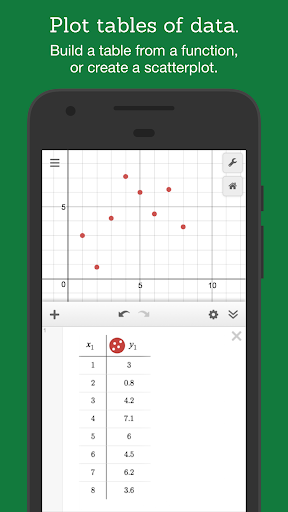
Geometry and tables tools: Construct points, lines, and shapes or switch to table view for data entry and analysis without leaving the graph workspace. These tools bridge algebra, geometry, and statistics seamlessly. 📐
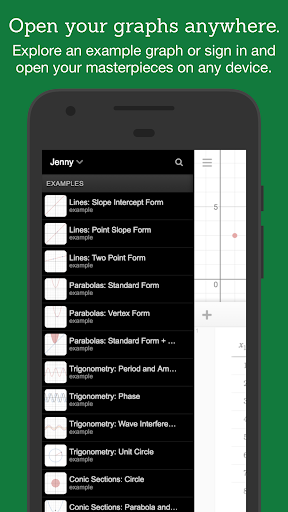
Sharing and embedding options: Export screenshots, generate shareable links, and embed interactive graphs into lessons or websites for instant access. Classroom activities sync with links for quick distribution. 🔗
👍🏼 Pros
Free core functionality: The graphing calculator and most essential tools are available at no cost, lowering barriers for students and teachers. No ads in the main workspace keeps focus on math. 🎓
Cross-platform accessibility: Accessible via web browser and native apps on iOS and Android for consistent experience across devices. Work on desktop, tablet, or phone without losing functionality. ⚡
Education-first design: Built with classroom workflows in mind, including teacher activities and student-friendly interfaces that speed lesson delivery. Lesson-ready presets and templates reduce prep time. 👩🏫
Fast performance: Handles complex plots and multiple expressions smoothly, even with real-time sliders and overlays. Performance stays snappy on modern devices for uninterrupted exploration. 🚀
Privacy-conscious policies: Minimal data collection for core features and strong COPPA-compliance make it suitable for K-12 use. Data controls for teachers and schools help meet privacy requirements. 🔒
👎🏼 Cons
Limited offline functionality: Some collaborative and sync features require an internet connection, which can hinder use in low-connectivity classrooms. Core plotting works offline but activity saving may be restricted. 📶
No full CAS capabilities: Missing a full symbolic algebra engine for step-by-step symbolic manipulation and advanced algebraic simplification found in CAS apps. Users needing symbolic proofs or exact algebraic transformations may need a separate tool. 🧮
Advanced classroom tools behind subscription: Premium teacher-oriented features and classroom management enhancements may require a subscription, adding cost for districts or instructors. Evaluate needs before committing to paid tiers. 💳
Mobile screen constraints: Complex multi-expression projects can feel cramped on small phone screens, making large lessons more comfortable on tablets or desktops. Touch precision may limit detailed construction work. 📱
Limited export customization: Export options are useful but lack advanced vector export and fine-grained styling controls for publication-quality figures. Additional editing is often required for print-ready graphics. 📤
💰 Prices
Free to download and use for the core graphing calculator and most student-facing features, making it an excellent free resource for classroom and individual study. Optional subscriptions unlock teacher and premium classroom tools - pricing varies by plan and region, so check the App Store for current US rates and subscription details.
Similar Apps