
Google Classroom
Screenshots
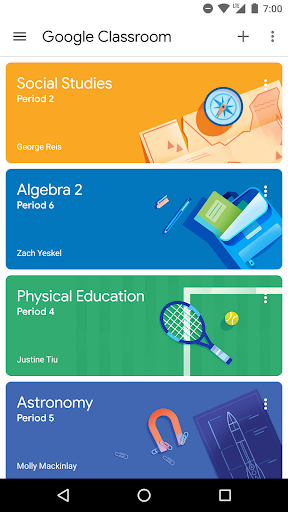
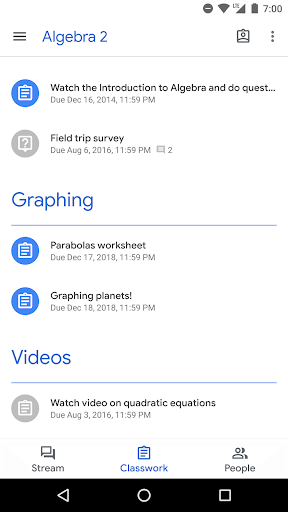
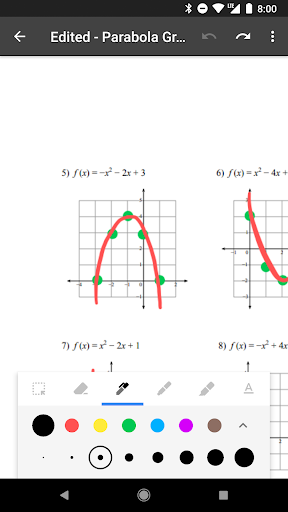
What is Google Classroom
Google Classroom streamlines assignment delivery, grading, and communication for K-12 and higher education. Ready-to-adopt tools accelerate teaching workflows and boost student engagement; download now to modernize classroom management.
📌 Core Features
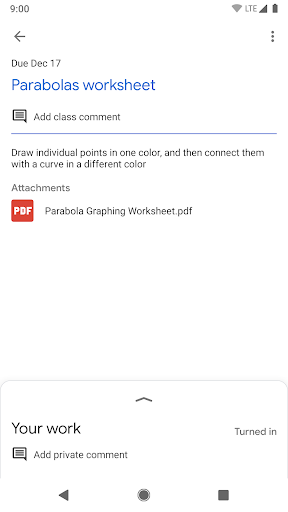
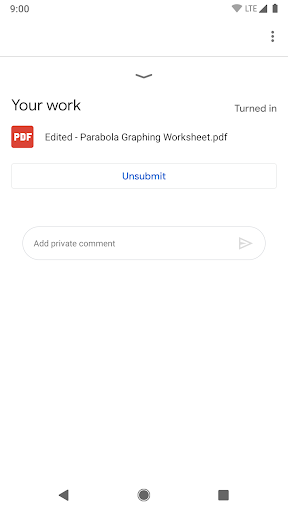
Streamlined Assignment Creation: Create, schedule, and distribute assignments with attachments and templates for fast rollout. Reuse and organize tasks by class or topic to keep workflows consistent. 📝
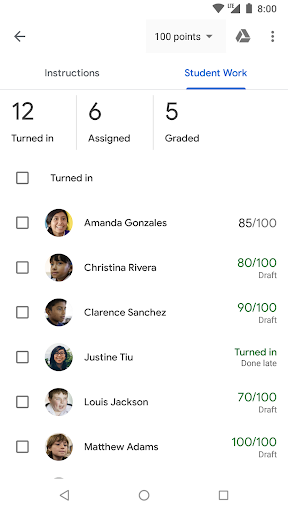
Real-time Feedback and Grading: Leave inline comments, use rubrics, and return grades quickly to accelerate student improvement. Export grades and integrate with spreadsheets for reporting. 🧾
Seamless Google Workspace Integration: Attach Drive files, create Docs and Slides directly, and schedule Meet sessions from the platform. Auto-save and permission controls keep materials synced across tools. 🔗
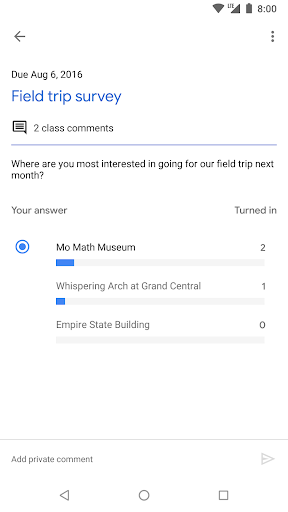
Class Communication Tools: Post announcements, start class discussions, and message students or guardians with push notifications. Built-in question formats support quick checks for understanding. 🔔
Roster and Privacy Controls: Manage student lists and guardian access while setting assignment visibility and submission rules. District and school admins can apply domain-level controls for compliance. 🔒
👍🏼 Pros
Free Core Functionality: Core Classroom tools are free for teachers and schools with a Google account, lowering barriers to adoption. No-cost access makes it easy to pilot and scale quickly. 💸
Easy to Learn and Deploy: Intuitive interface reduces training time for teachers and students, enabling rapid classroom adoption. Templates and auto-sorting keep workflows predictable. ⚡
Scales for Districts and Universities: Supports large rosters, multiple classes, and centralized admin controls for institution-wide rollout. Integration with Google Workspace for Education adds management features for IT teams. 🏫
Works Across Devices: Web and mobile apps provide consistent access on Chromebooks, tablets, and phones for on-the-go teaching. Offline viewing for some materials helps maintain continuity. 📱
Tight Integration with Google Tools: Direct linking with Drive, Calendar, Docs, and Meet streamlines content creation and scheduling. Real-time collaboration reduces friction between instruction and student work. 🔗
👎🏼 Cons
Privacy and Data Concerns: Student data is stored in Google services, so district privacy policies and parental permissions require careful review. Third-party integrations can introduce additional data considerations. 🔓
Limited Advanced LMS Features: Lacks some deep analytics, adaptive learning tools, and extensible gradebook features found in enterprise LMS platforms. Schools needing complex workflows may require add-ons or alternate solutions. 🧩
Dependence on Google Ecosystem: Best experience relies on Google Workspace tools, which can limit compatibility with non-Google apps and services. Migrating content out of the ecosystem takes planning. 🔗
Offline and Accessibility Gaps: Certain interactive features and grading workflows are reduced or unavailable offline, impacting low-connectivity contexts. Accessibility support is solid but may vary with third-party content. 📴
Administrative Complexity at Scale: Domain setup, user provisioning, and tiered licensing require IT resources and clear policies for large deployments. Misconfigured permissions can create classroom management headaches. ⏳
💰 Prices
Core Google Classroom features are available for free to teachers, students, and schools with a Google account. Advanced administrative controls and enterprise features require Google Workspace for Education tiers or paid add-ons with per-user or institutional pricing.