

Google Earth
Screenshots
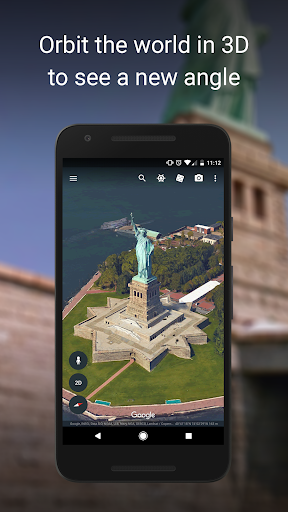
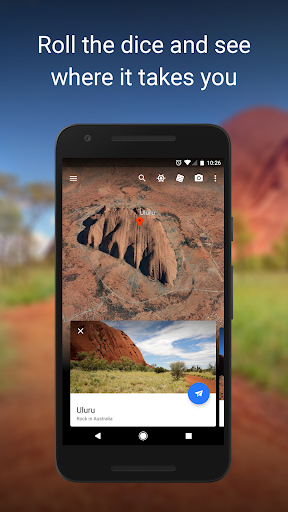
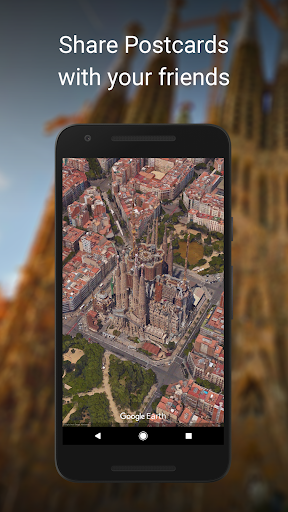
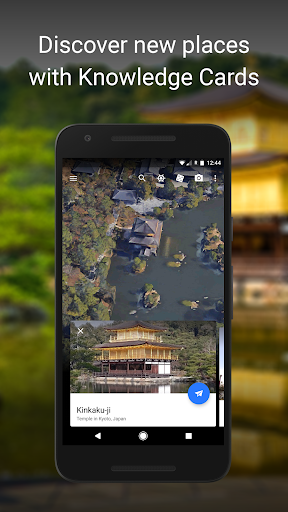
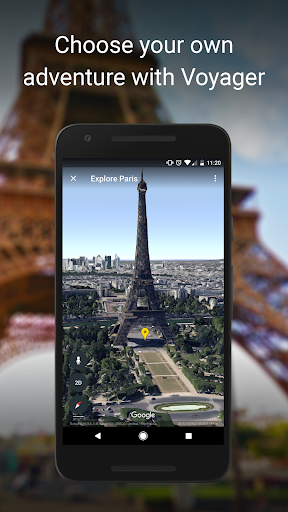
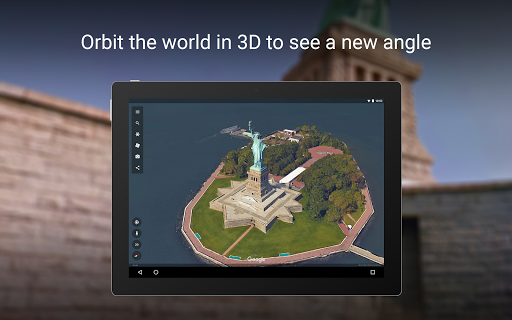
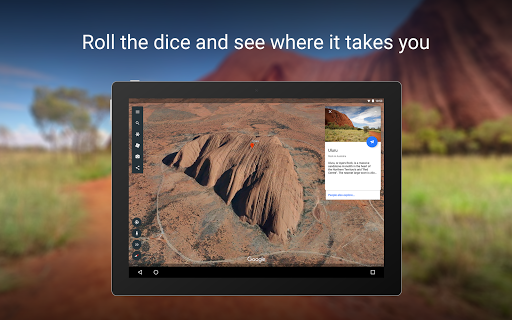
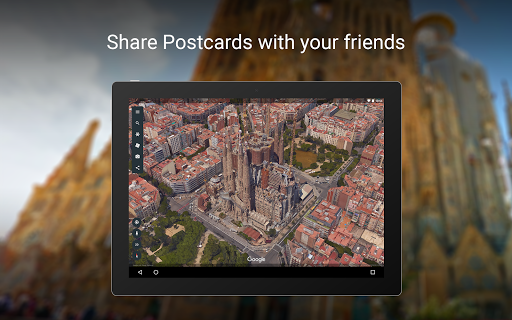
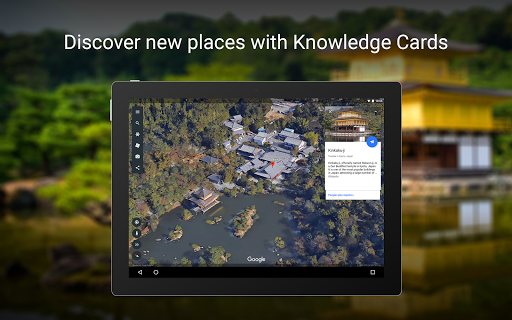
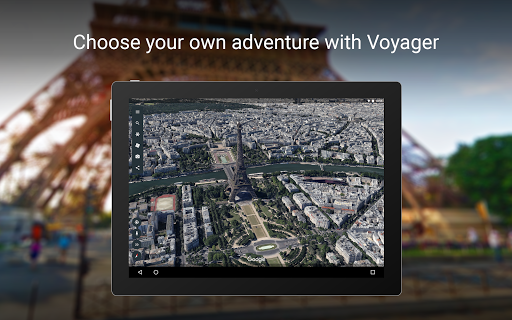
What is Google Earth
Jump into a hyper-detailed virtual globe and explore every corner of the planet with fast, immersive navigation. Download Google Earth to visualize cities, landmarks, and natural wonders in 3D and start exploring now.
📌 Core Features
Global 3D imagery: Pan and zoom from space to street-level with high-resolution terrain and 3D models that bring locations to life. Experience realistic views of cities and landscapes for planning or virtual travel. 🗺️
Integrated Street View: Drop into Street View for ground-level exploration and walk-throughs of neighborhoods and attractions. Seamless transitions between aerial and street perspectives boost situational awareness and realism. 🚗
Powerful search and discovery: Fast search finds places, addresses, coordinates, and points of interest across the globe with predictive suggestions. Built-in layers and filters highlight borders, roads, and geographic data for deep discovery. 🔍
Timelapse and historical imagery: View changes over time with timelapse sequences and archived imagery to track development and environmental shifts. Compare historical views to spot growth, deforestation, or urban change. ⏳
Voyager guided tours and layers: Access curated tours, educational storytelling, and interactive layers crafted by experts and partners. Use themed collections and guided experiences to discover curated content quickly. 🎧
👍🏼 Pros
Free and accessible: The core app and web version are free to download and use for personal exploration and education. Google Earth Pro desktop is also offered at no cost for advanced feature access. 💸
Strong educational value: Rich datasets, Voyager lessons, and timelapse tools make it ideal for classrooms and self-guided learning. Visual storytelling fuels engagement for students and casual learners alike. 🎓
Deep Google integration: Syncs with Google accounts, Maps data, and search for streamlined location discovery and sharing. Integration enables smooth handoff between apps and saves frequently visited places. 🔗
Intuitive navigation: Simple gestures and controls make flying, rotating, and zooming fast and responsive on mobile and web. Quick layers and a clean UI keep exploration focused and energetic. 📱
High-resolution imagery: Satellite and 3D imagery offer detailed views for urban planning, travel scouting, and research. Frequent updates deliver fresh perspectives on major regions. 🌎
👎🏼 Cons
Privacy and data collection: Google account integration and search history collection may surface location and usage data to Google's systems. Users seeking strong anonymity should review permissions and account settings carefully. 🔐
Heavy data and storage use: High-resolution imagery and 3D tiles can consume significant mobile data and require ample storage for caching. Expect long downloads and potential data overages on metered connections. 💾
Performance and battery drain: Continuous 3D rendering and location services can noticeably impact device performance and battery life. Older phones or tablets may experience lag during extended sessions. 🔋
Imagery currency varies by region: Some areas benefit from very recent images while others use older or lower-resolution data, leading to inconsistent coverage. Critical planning should verify imagery dates before relying on visuals. 🕰️
Limited offline functionality: Offline maps and full 3D access are limited compared with online use; offline caching is fragmented and not comprehensive. Users needing full offline navigation should plan accordingly. 📶
💰 Prices
Google Earth is free for personal use on web and mobile, and Google Earth Pro desktop is also free for advanced features; download today. Businesses and developers requiring Maps Platform APIs or enterprise licensing face usage-based fees, so check Google's pricing page before deploying.
Similar Apps