

ParentSquare
Screenshots
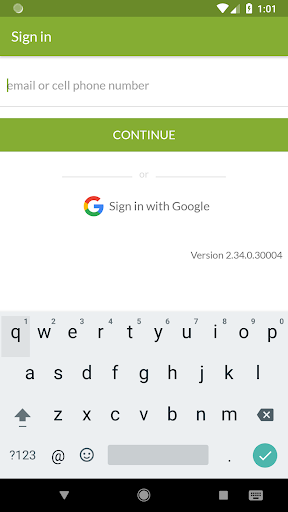
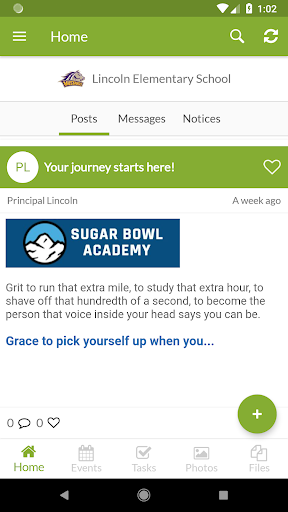
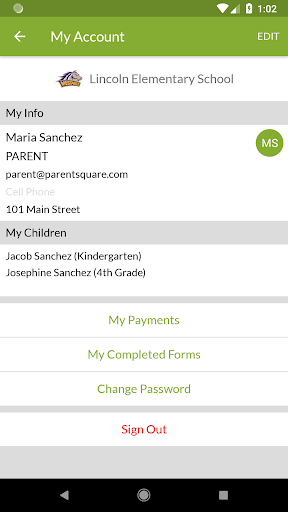
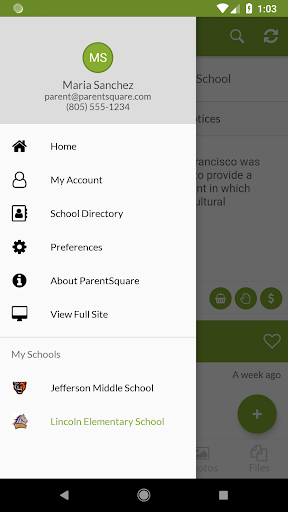
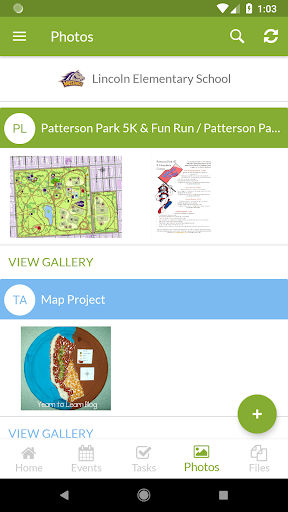
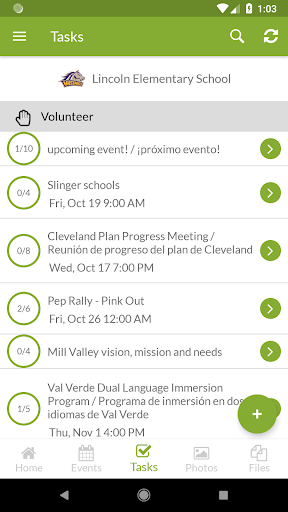
What is ParentSquare
ParentSquare centralizes school-to-home communication for parents, teachers, and administrators across US districts with real-time alerts, translation, and integrated event management. Download ParentSquare now to simplify updates, streamline engagement, and never miss critical school news.
📌 Core Features
Unified Inbox: Consolidates announcements, direct messages, and attachments into one searchable feed for parents and staff. The interface reduces message fragmentation and speeds up response times. 📣
Two-way Messaging: Enables private and group conversations between teachers, parents, and administrators with read receipts and attachments. Messages support photo, document, and permission slip sharing for fast follow-up. 🔔
Automated Notifications: Send attendance alerts, emergency notices, and schedule changes with targeted delivery to specific classes or grade levels. Custom timing and priority settings help cut through notification noise. 💬
Translation Support: Real-time translation for dozens of languages ensures non-English-speaking families receive messages in their preferred language. Language toggles and translated replies keep communication inclusive. 🌐
Event and Volunteer Management: Integrated sign-ups, permission slips, and calendar syncing simplify school events and PTA coordination. Automated reminders and RSVP tracking reduce no-shows and paperwork. 📅
👍🏼 Pros
Centralized Communication: All school messages, alerts, and files are in one place for parents and staff, reducing missed information. Streamlined inboxes foster quicker decision-making and greater family engagement. 🚀
Multi-language Access: Automatic message translation empowers diverse communities to stay informed in their preferred language. This increases participation and removes language barriers at scale. 🌟
Secure and Compliant: Built for education with role-based access controls and data protections that align with FERPA expectations. Districts can manage permissions and maintain student privacy. 🔒
Engagement Tools: Polls, forms, and announcements drive family involvement and simplify sign-ups for events and volunteers. Analytics provide insight into reach and response rates. 🤝
Mobile-first Design: Native iOS and Android apps plus web access make quick updates and replies possible from anywhere. Push notifications keep families current on time-sensitive items. ⚡
👎🏼 Cons
Notification Overload: High message volume can lead to fatigue if settings are not carefully managed. Users should customize notification preferences to avoid missing critical updates. ⚠️
District Pricing Complexity: Pricing is typically quoted per district or per school and can be costly for larger districts without clear public rates. Budget planning and vendor negotiation are often required. 💸
Occasional Sync Delays: Calendar or SIS integrations can experience lag during peak times or initial setup phases. IT teams may need to troubleshoot sync schedules for full reliability. ⏳
Staff Learning Curve: Teachers and administrators may need time and training to use all features effectively. Initial adoption may require professional development and practice. 📚
Limited Visual Customization: Branding and layout options are functional but not highly customizable for unique school identities. Templates and settings can be limiting for schools seeking a bespoke look. 🎛️
💰 Prices
ParentSquare pricing is typically determined per district or per school with tiered features and requires a vendor quote; parent access is generally free. Free demos and pilot options are often available, so contact the vendor or district technology office for exact rates and potential funding options.